
Platform
Industries
Journeys
Resources
Partners
Company

Menu
Employee Self-Service
Employees keep their own records up to date.
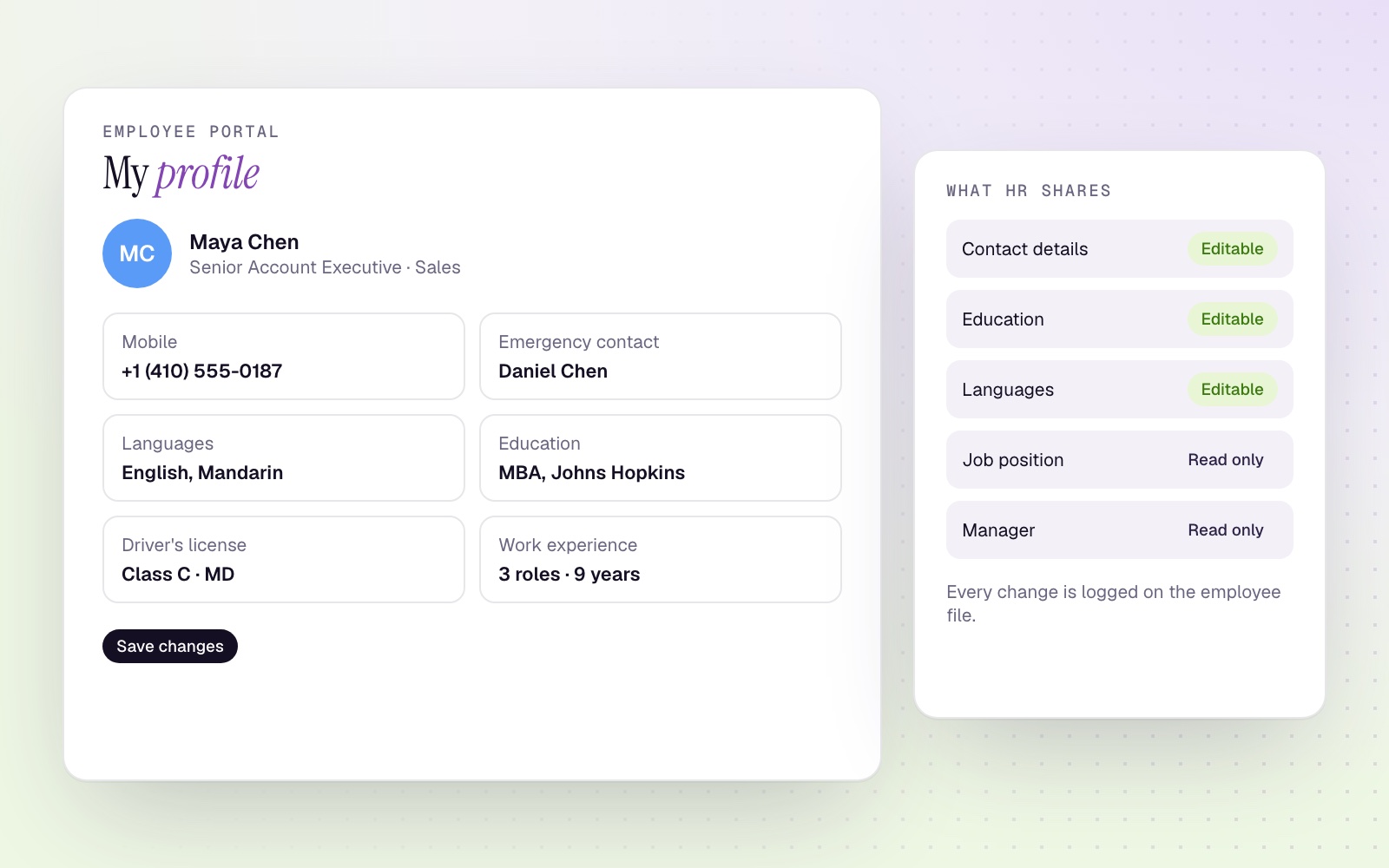
The CloudOffix employee portal lets people update their own profile information, so HR stops chasing changes and every update is recorded on the employee file.
How it works
HR decides. Employees update.
01
HR chooses the fields
Pick which employee fields appear in the portal and group them into sections.
02
Employees update their profile
Contact details, education, languages, work experience, activities, driver's license and emergency contacts.
03
Changes sync and are logged
Updates go straight to the employee record, with a note that the employee made the change.
Around the employee
Requests that start with the employee
Salary advances
Employees request an advance; HR and accounting approve, and it is repaid in installments.
Documents
Employee documents with expiry reminders sent before they lapse.
Time off and expenses
Leave requests and expense reports with manager approval.
See leave managementHR Cloud
Explore HR Cloud
Let employees keep their records current.
Book a demo to see the employee portal in HR Cloud.