
Platform
Industries
Journeys
Resources
Partners
Company

Adapt CloudOffix to how your business works.
CloudOffix Agentic App Builder lets you customize the ready-to-use apps or build new ones without starting from scratch. Reuse existing records, permissions and processes, add the screens, rules and process steps you need, and decide where AI agents help.

Start from the requirement, not from a blank app
Standard software forces companies to adapt their processes. Some steps need records, screens, decisions or rules that no standard application provides.
Build or adapt the applications and process steps your business needs with CloudOffix Agentic App Builder. Reuse relevant business capabilities, records, permissions and processes, and connect the result to the wider operation.
- 01Customize existing CloudOffix applications
- 02Create the models, screens and process steps your business needs
- 03Define where AI agents prepare work and where people decide
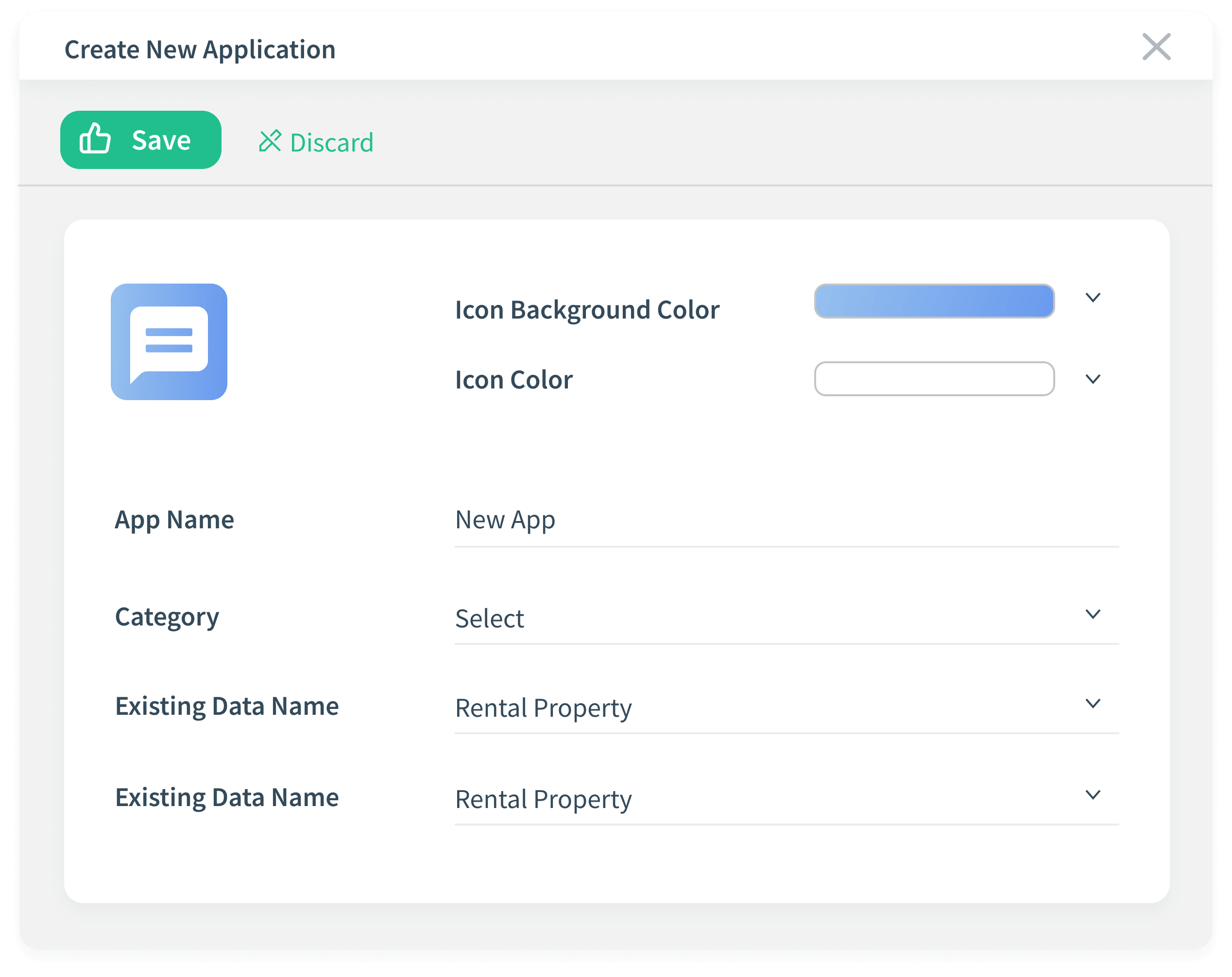
From a requirement to a live application
The same order every time: understand the requirement, reuse what exists, create what is missing, secure it, add AI where it helps, then validate and evolve.
Define and reuse
Locate the requirement in the process and decide whether to customize an existing application or build a new one. Extend predefined business models such as Customers, Employees and Opportunities, or create your own as the foundation.
Design the behavior
Add fields, define process steps, configure buttons and design views that structure how users interact with the app and how the process step moves forward.
Secure access
Control access at every level with role-based permissions, restricting visibility by user type and even at the field level.
Add AI steps
Decide which steps AI assistants or agents configured with AI Builder take on, such as gathering context or preparing a recommendation, which actions they may perform and which approvals stay with people.
Launch and add data
Go live by saving your configuration, with no deployment process; the app is immediately available and fully responsive, mobile included. Import data, let it accumulate as users work, or integrate third-party systems to sync information.
Validate and evolve
Check the step against the process with the people who run it. Edit steps, add fields, introduce approval buttons or change logic anytime, without rebuilding from scratch.
Customize, create or consolidate: decided by your process
Customize existing solutions
Modify fields, layouts, process steps and permissions to reflect how your teams actually work. Remove unnecessary steps and reshape standard apps into systems that support the rewired process.
Create new applications
Build fully custom applications with intuitive low-code tools, turning your unique processes into structured, scalable systems without complex development projects.
Consolidate where it makes sense
When the target process calls for it, rebuild an existing structure inside CloudOffix and bring its data in through integration. When a system should stay, connect it instead.
Explore system integrationControl how the process works, not just how it looks
Build the operational logic behind your applications and define how data, actions, permissions and AI participation interact across your organization.
Automating the work
Automate processes with rule-based triggers and smart actions that respond to real business events. Reduce manual work, remove bottlenecks and keep every step consistent.
Permission management
Define who sees, edits and controls what, down to the field level. Protect sensitive data while giving each team, and each AI participant, exactly the access it needs.
UI personalization
Design screens, layouts and views for different teams and roles. Focused interfaces simplify daily work and drive adoption across departments.
AI steps with clear limits
Pair the apps you build with assistants and agents designed in AI Builder. They work on the same records and permissions, and the approvals and exceptions you define keep people accountable.
Explore AI BuilderBuilt inside CloudOffix. Connected by default.
Agentic App Builder runs natively within the CloudOffix ecosystem, so every application you customize or create works with CRM, HR, Projects and other modules, with no extra integration layer.
You don't start from scratch: you extend predefined business objects such as Customers, Employees and Opportunities on an already structured foundation, so new steps inherit the records and rules around them.
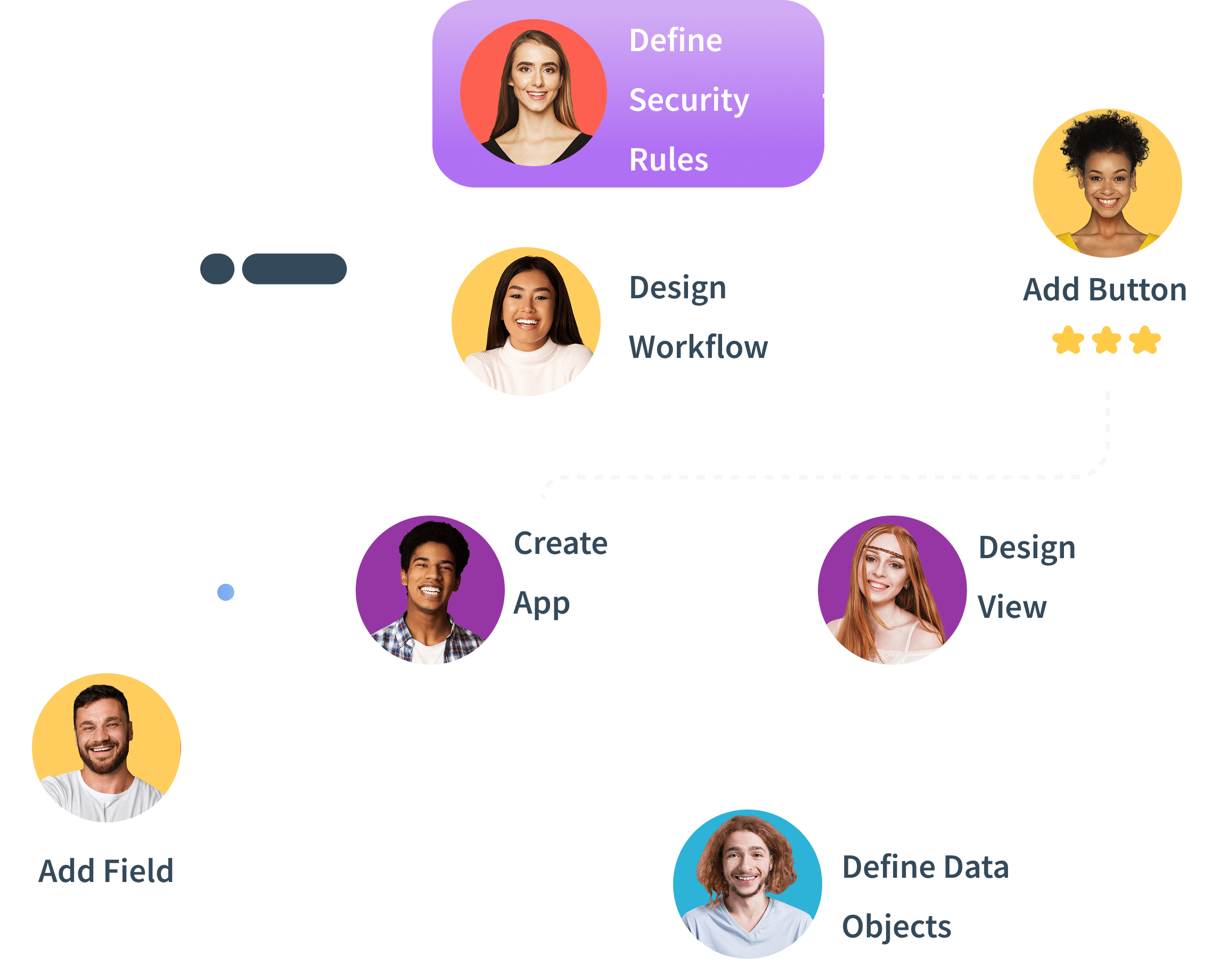
Drag-and-drop when you want it. Full customization when you need it.
Most applications can be built with intuitive no-code tools, but some scenarios demand deeper flexibility. With Agentic App Builder's low-code capabilities, developers can extend logic, write custom code and create advanced behaviors without breaking the platform's structure.
- 01Low-code extensibility: custom scripts and advanced logic for complex business rules
- 02Developer-friendly architecture: extend apps without rebuilding the system
- 03Speed for business users, power for technical teams
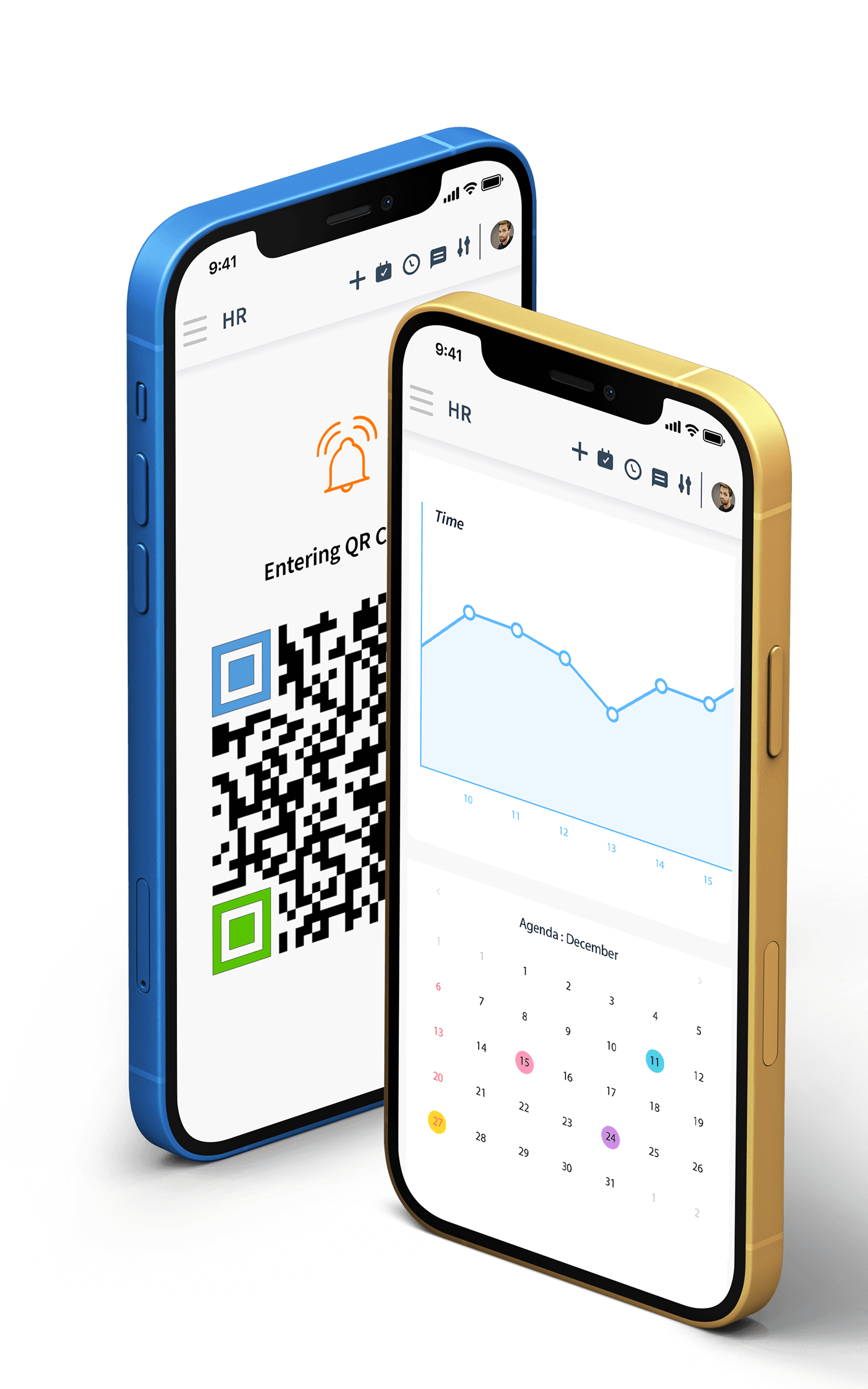
See Agentic App Builder in action
Try it on your own business.
Try Agentic App Builder free for 15 days, or book a demo and show us the step your current software cannot support.