
Platform
Industries
Journeys
Resources
Partners
Company

Already using all these tools? Great. Keep them.
CloudOffix connects the systems you want to keep, such as SAP or Salesforce, so their data is available in your CloudOffix apps and processes, with defined ownership, source of truth and allowed actions. No forced replacement.
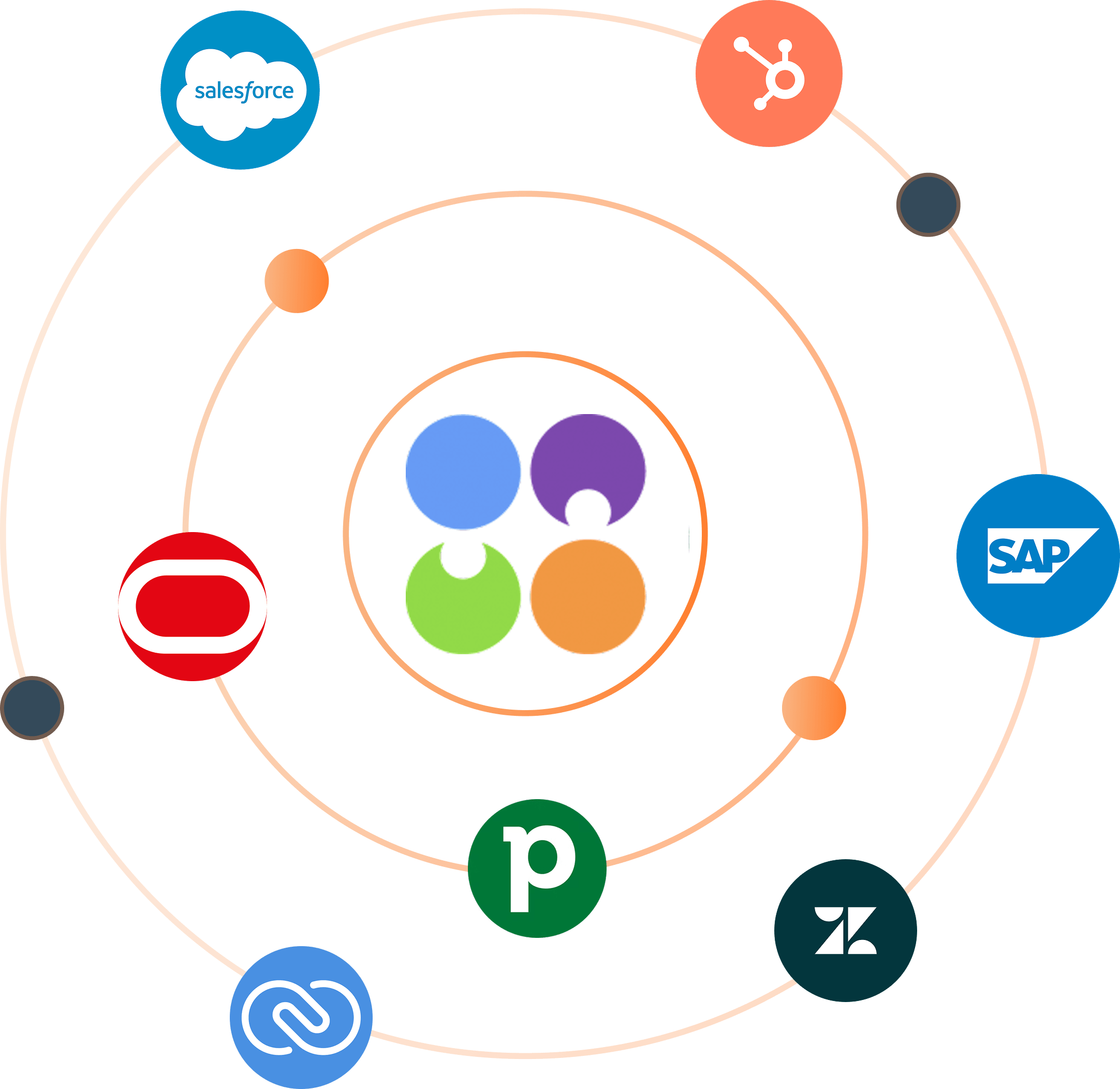
Your systems don't disappear. They join the work.
Most companies already rely on multiple systems: CRM, ERP, support tools, marketing platforms and more. Replacing everything at once is expensive, risky and often unnecessary.
CloudOffix connects the tools you already use and makes their data available where people and AI agents need it. Whether you complement, consolidate or replace a system is your decision, based on how the process should run.
Where disconnected systems slow the work
Fragmented business data
Customer, financial and operational data live across platforms, each holding only part of the picture. Without one place where information comes together, nobody sees the whole business.
Constant tool switching
Sales updates live in one system, customer history and support interactions in others. Employees jump between apps just to finish a single task.
Broken operational processes
When systems don't talk to each other, processes run on manual updates, spreadsheets and email instead of flowing seamlessly.
Agents without full context
Agents need connected data. When information is scattered, they can't see the business context a step requires, which limits where they can help.
Make SAP, Salesforce and other data part of your operations
External data, ready for work
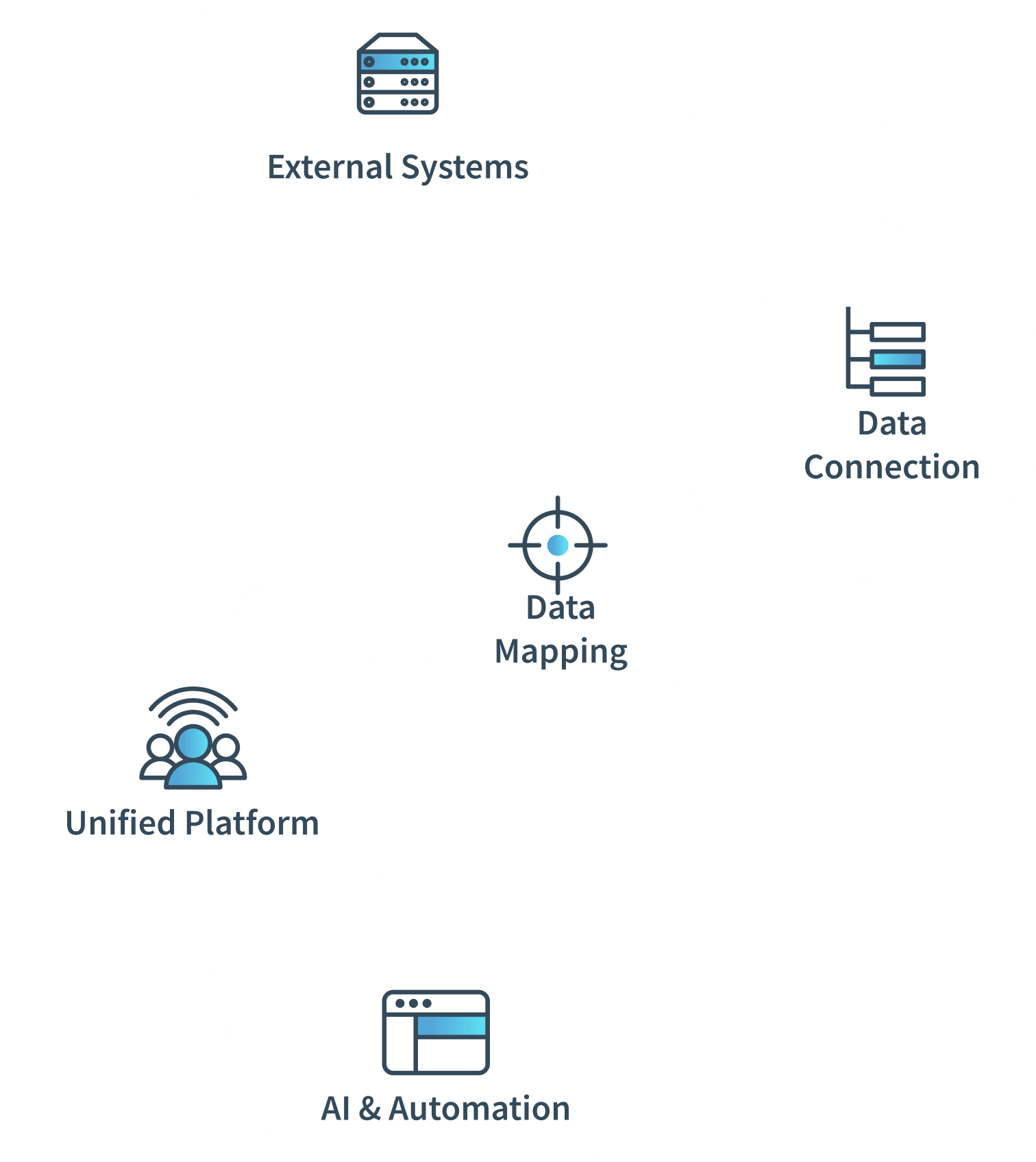
Bring data from external platforms like SAP or Salesforce directly into CloudOffix. Select the objects you need, map their structure, and use that data across processes, automation, reporting and daily operations.
- External data ready
- Operations unified
- Intelligence activated
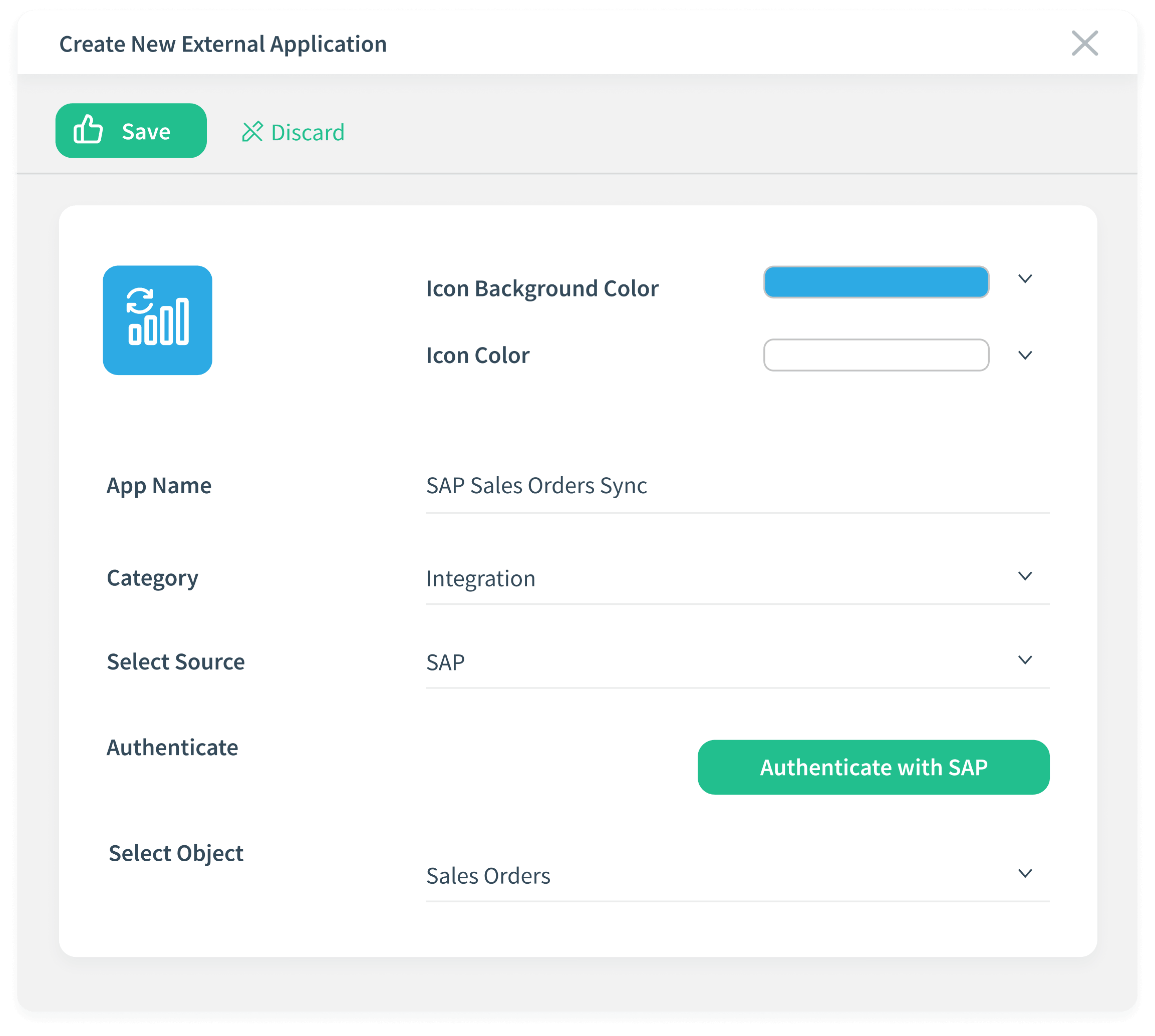
Four clear steps to connect any external system
Select source
Choose the external platform to bring into CloudOffix and authorize it for secure access.
Choose objects
Pick exactly the data you need, such as sales orders, products, invoices or customers, instead of importing everything.
Map fields
Align external fields with your CloudOffix structure so data behaves consistently across records, views and processes.
Activate and use
Once activated, external data is available inside CloudOffix for daily work, reporting and automation, with no jumping between tools.
Agree the rules for each connected system
Define these with the responsible teams before data starts moving.
- Source of truth for each object
- Field mapping and data structure
- Update behavior: direction and timing
- Authorized actions for people, processes and agents
- Error handling and who is alerted
- Ownership of each connection
What connecting your systems can deliver
What you can measure.

Increase team productivity
Work in a single operational environment. Less time navigating systems, more time doing real work.

Reduce redundant tools where it fits
Where the target process shows overlap, avoiding disconnected tools and redundant licenses can lower costs and simplify management.

Improve operational visibility
See real-time insights across sales, operations and delivery in one place, without collecting reports from different systems.

Monitor without extra licenses
Occasional users can monitor key data and activities without additional licenses in your operational tools.

Give agents fuller context
Connected data lets configured agents generate more relevant insights and recommendations, within the permissions you set.

Scale operations efficiently
Grow teams and processes without multiplying tools as operational complexity increases.
More of the CloudOffix platform
Try it on your own business.
Try CloudOffix free for 15 days, or book a demo and bring the systems you want to keep. We'll define source of truth, mapping and allowed actions together.