
Platform
Industries
Journeys
Resources
Partners
Company

Deliver IT services with AI across tickets, projects and clients.
Clients, projects, support tickets and billing on one AI-native foundation. AI routes tickets, flags delivery risk and prepares client reviews; project and account managers make the decisions.
IT services apps and AI, ready to run
CloudOffix gives IT services firms ready-to-use apps for clients, projects, helpdesk, contracts and revenue, with AI assistants, agents and voice agents working in the same records.
Start with what is ready, connect the tools you keep, and build only what is missing with CloudOffix Agentic App Builder.
- 01Run: ready-to-use CloudOffix apps for clients, projects and support
- 02Connect: the systems you keep, with clear ownership of the data
- 03Build: missing steps with CloudOffix Agentic App Builder
- 04Automate: decide what AI prepares and what people approve
AI for service operations
Agents gather context, flag risk and execute allowed actions. Managers decide.
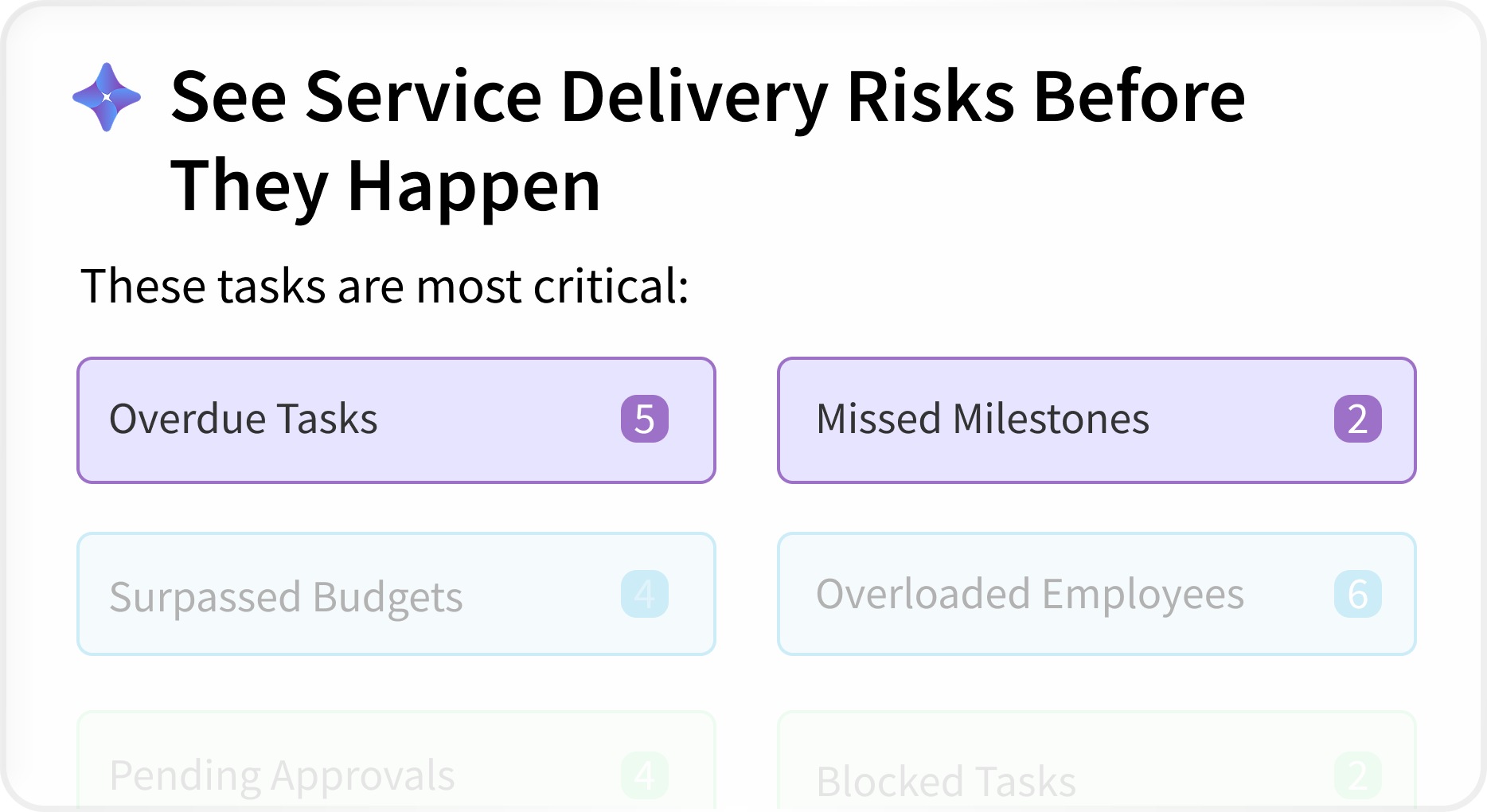
See service delivery risks before they happen
AI surfaces the work that needs attention now, so managers act before issues reach clients.
- Overdue tasks and missed milestones
- Surpassed budgets and overloaded employees
- Pending approvals and blocked tasks
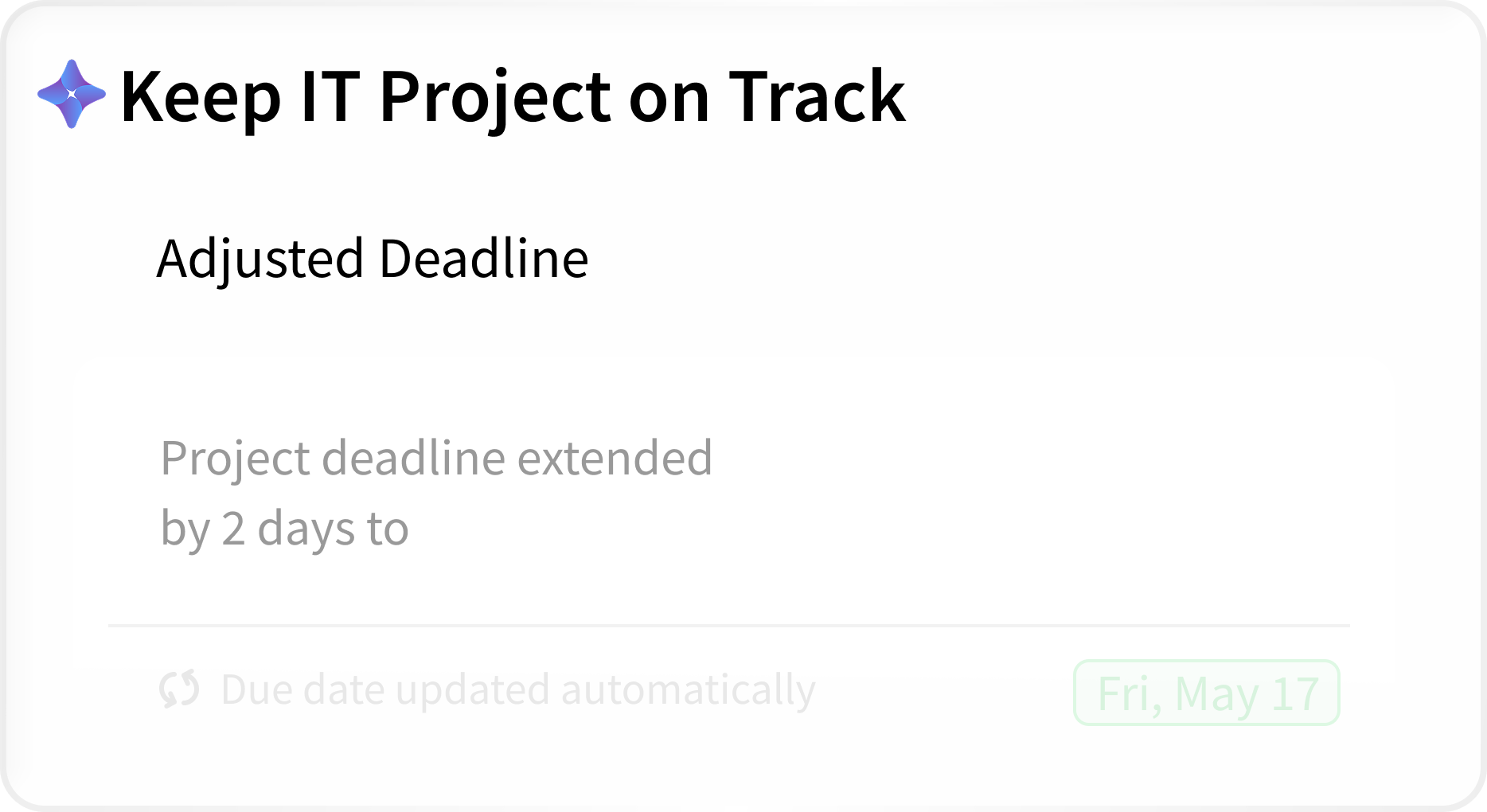
Keep IT projects on track
When plans change, AI adjusts deadlines and updates due dates within the rules you define, so schedules stay realistic and managers review what changed.
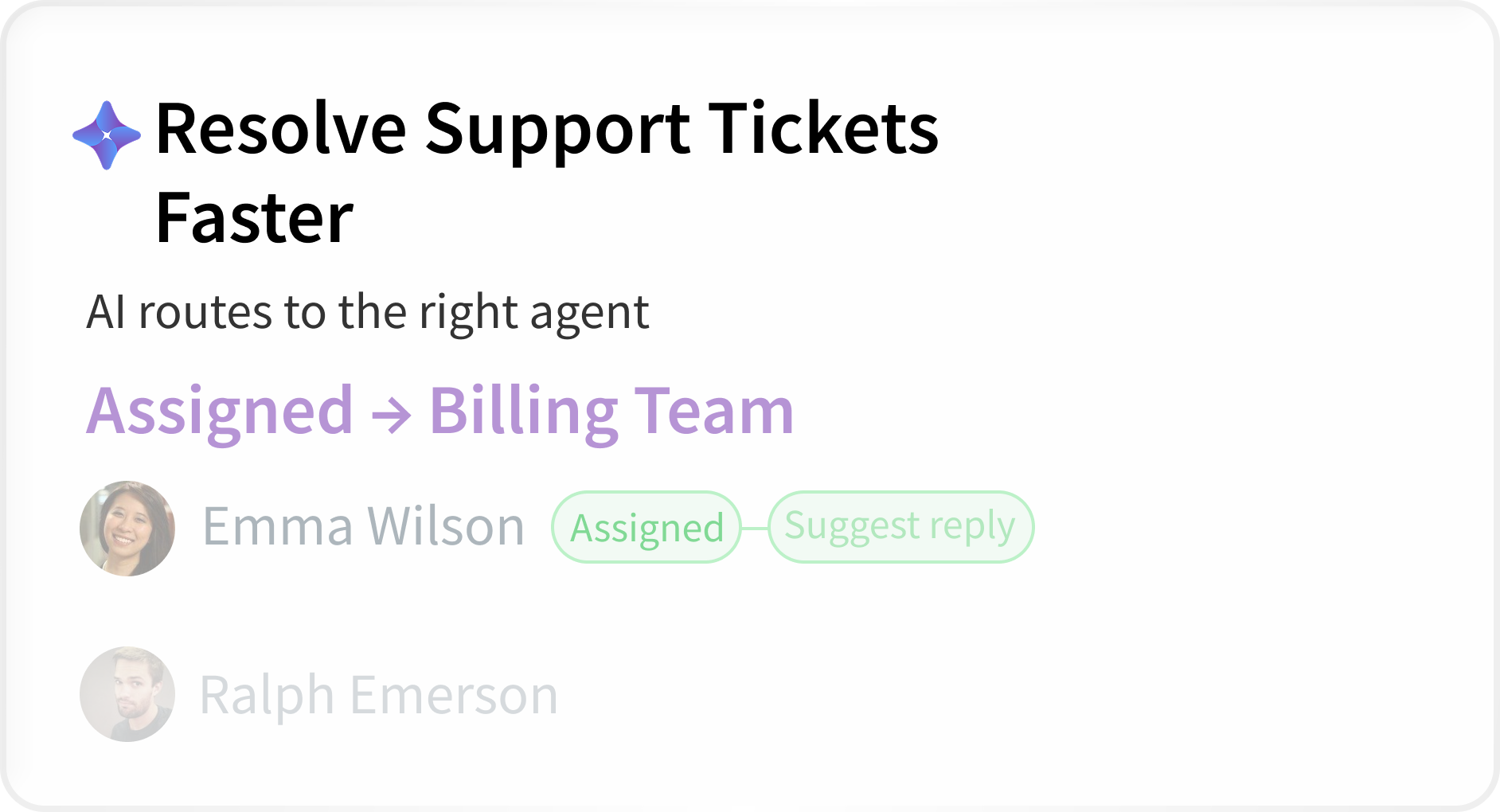
Resolve support tickets faster
AI routes each ticket to the right team and agent and suggests replies; engineers decide what to send, so issues reach resolution sooner.
Visibility across clients, teams and revenue
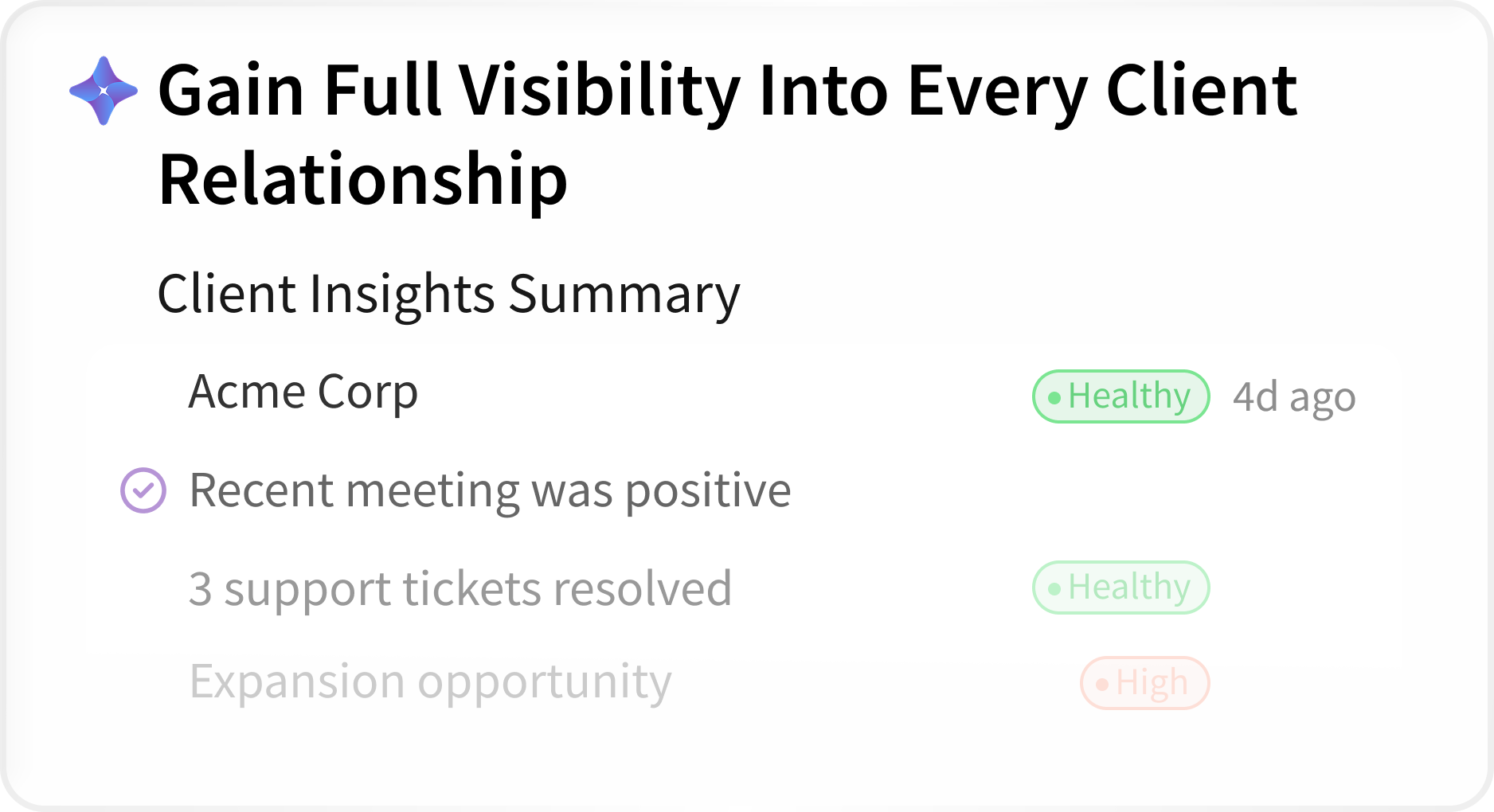
Gain full visibility into every client relationship
Client insight summaries bring together account health, recent meetings, resolved tickets and expansion opportunities.
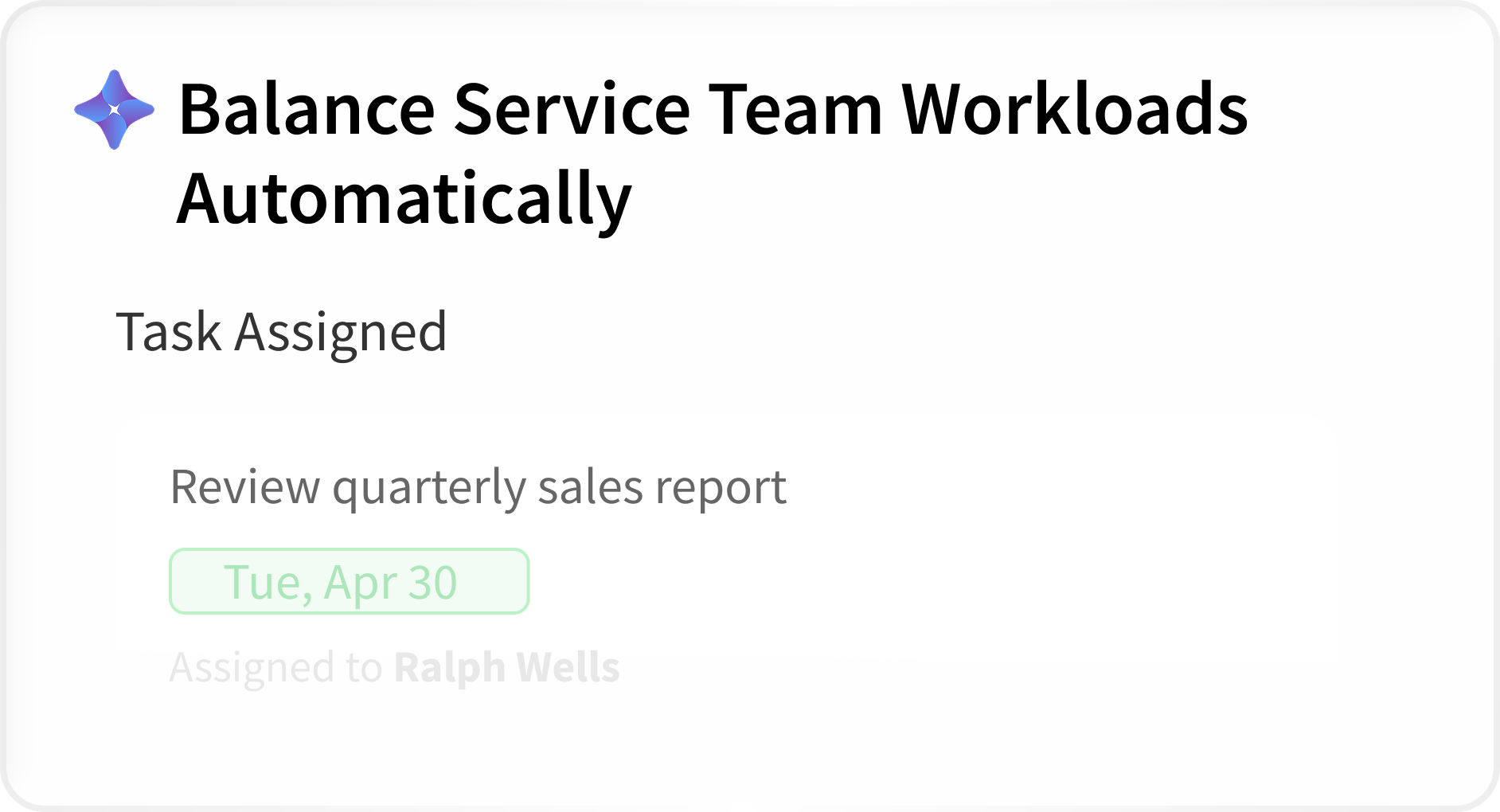
Balance service team workloads automatically
AI assigns tasks with due dates to the right people, keeping work evenly distributed across the team.
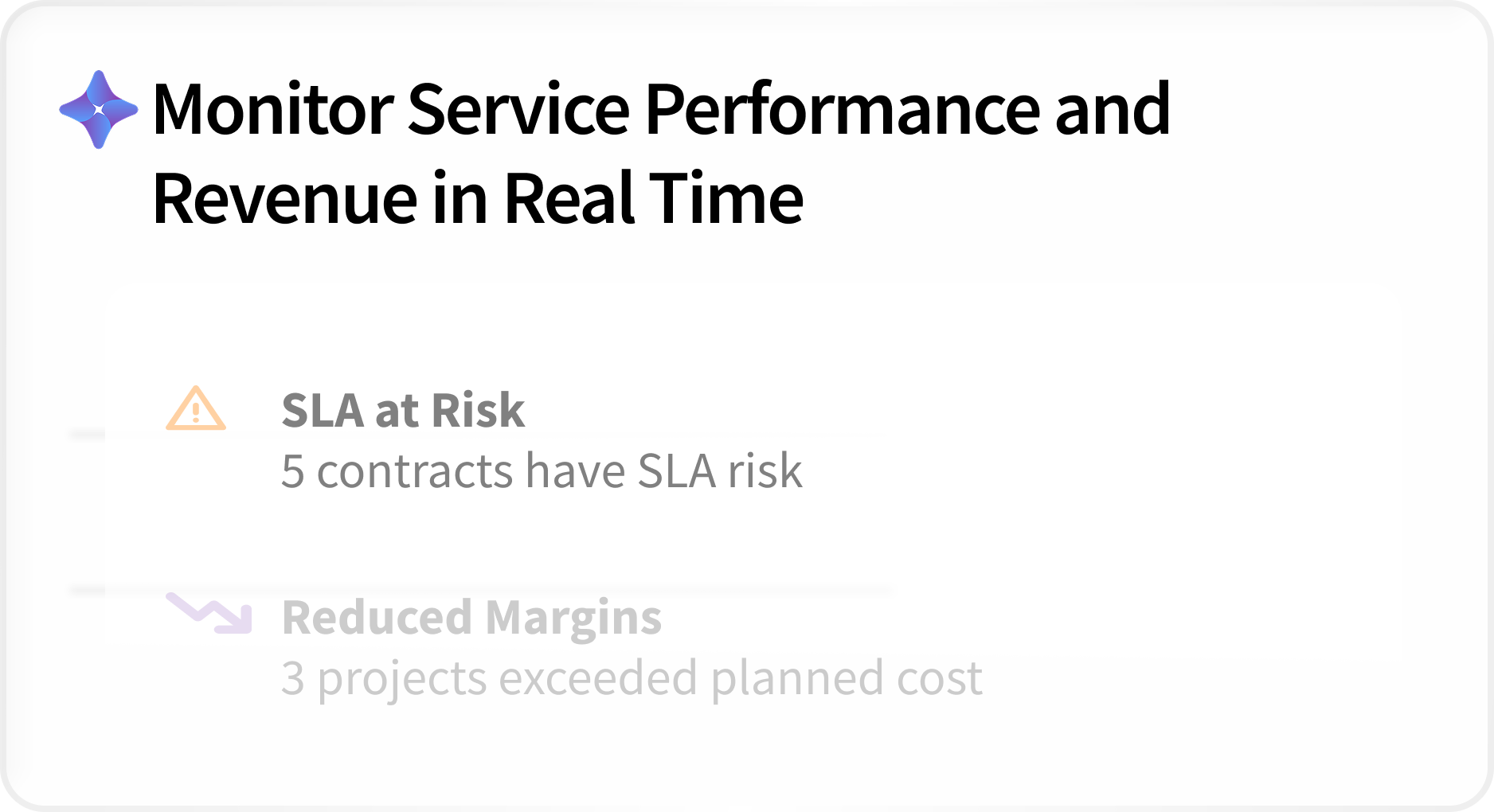
Monitor service performance and revenue in real time
Get alerted when contracts put SLAs at risk or projects exceed planned cost, before margins erode.
Assistants, voice agents and custom agents, with people in charge
Configure assistants, agents and voice experiences within your business processes. Define the information they can use, the actions they can perform, and the decisions or approvals that remain with people.
Ask your data. Get insights.
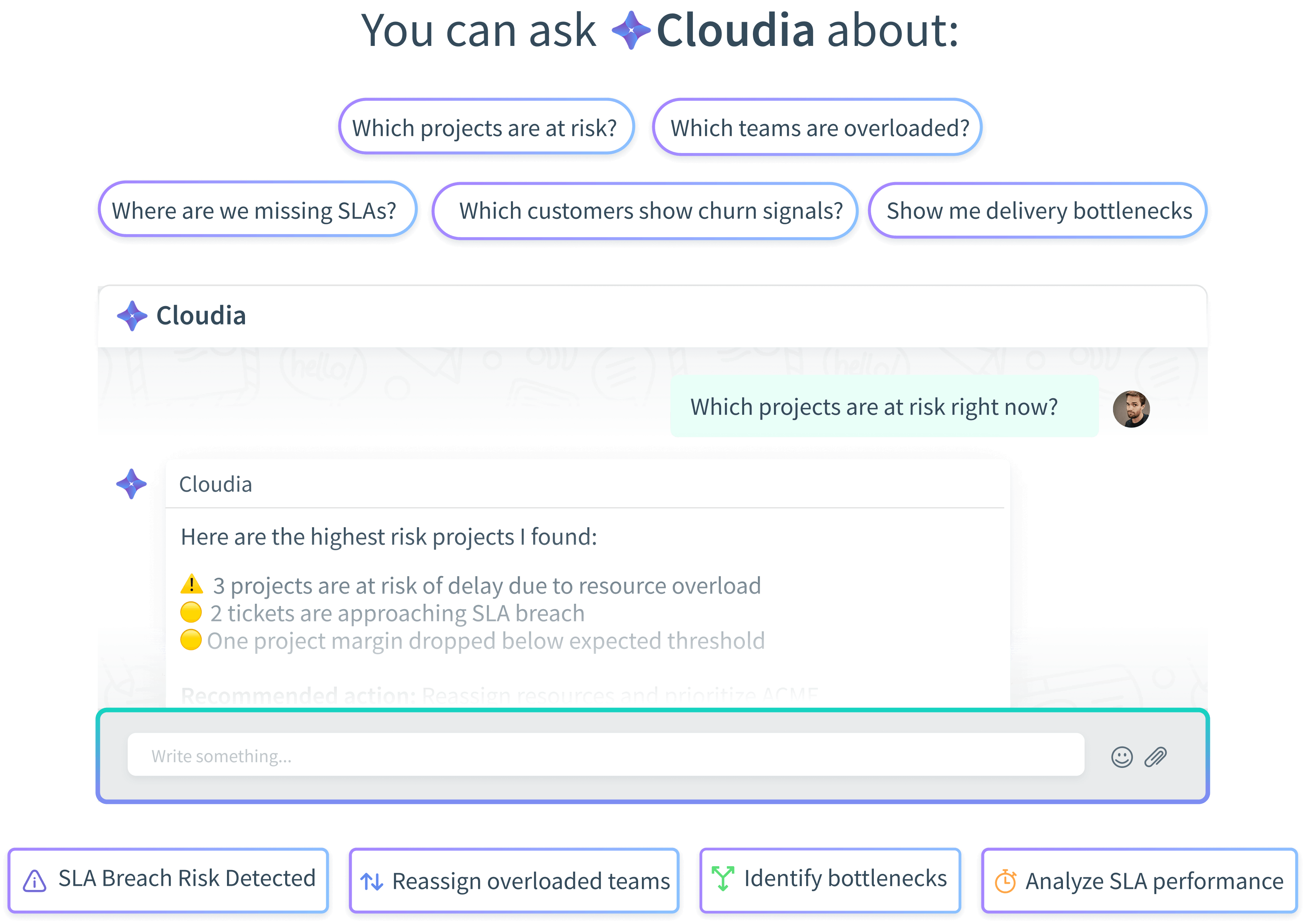
Ask Cloudia, the CloudOffix AI assistant, about your projects, clients, tickets and delivery performance in plain language and get answers grounded in your live business data, within the access each user already has.
- Uses: the records the user is allowed to see
- Does: answers, summarizes, prepares
- People: decide what to do with the answer
Voice AI
Ask your IT operations and get instant answers. Use Voice AI to monitor projects, support requests and operational performance through natural conversations.
- Uses: project, ticket and performance records
- Does: answers and reports by voice
- People: act on what they hear
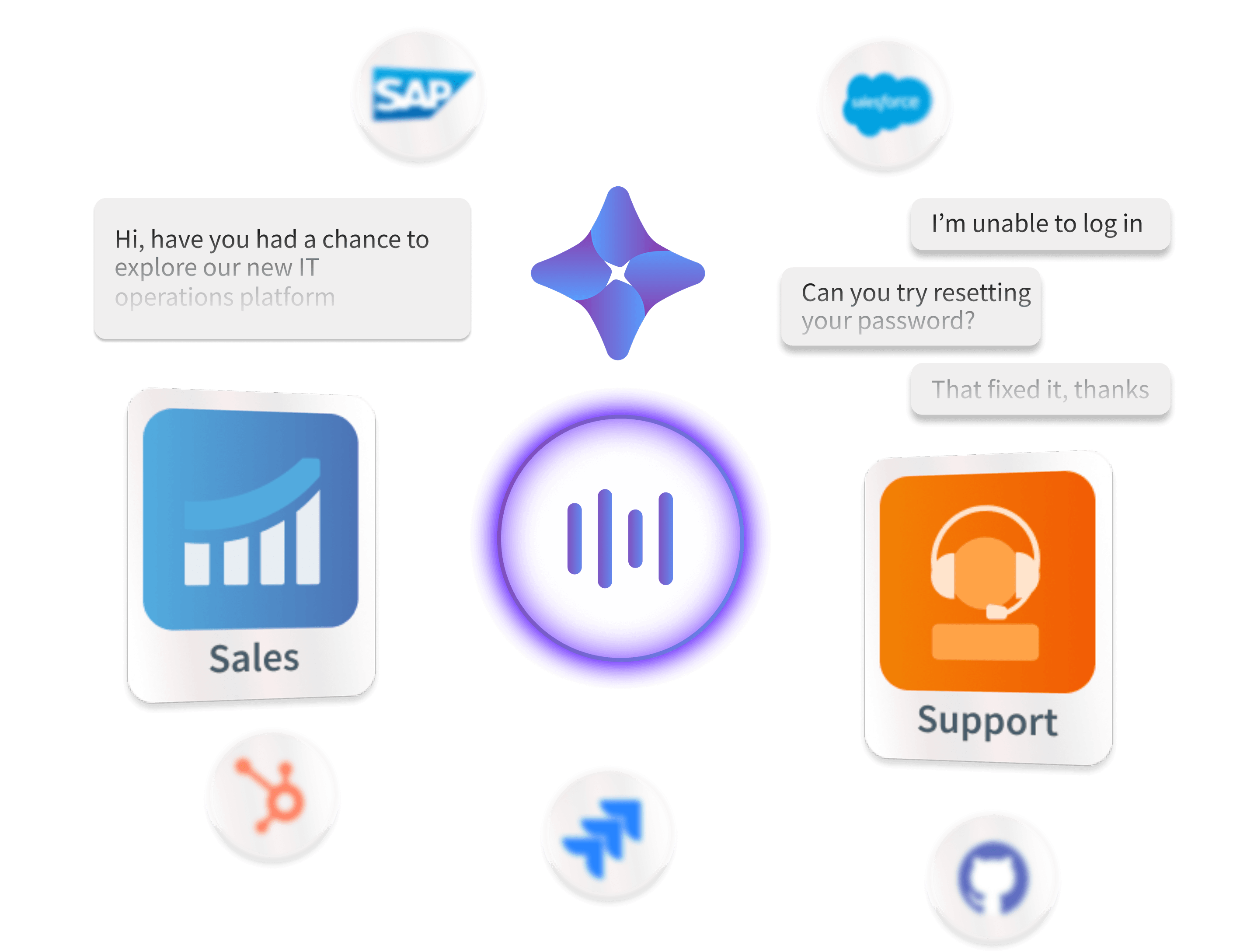
Build AI that understands your IT operations
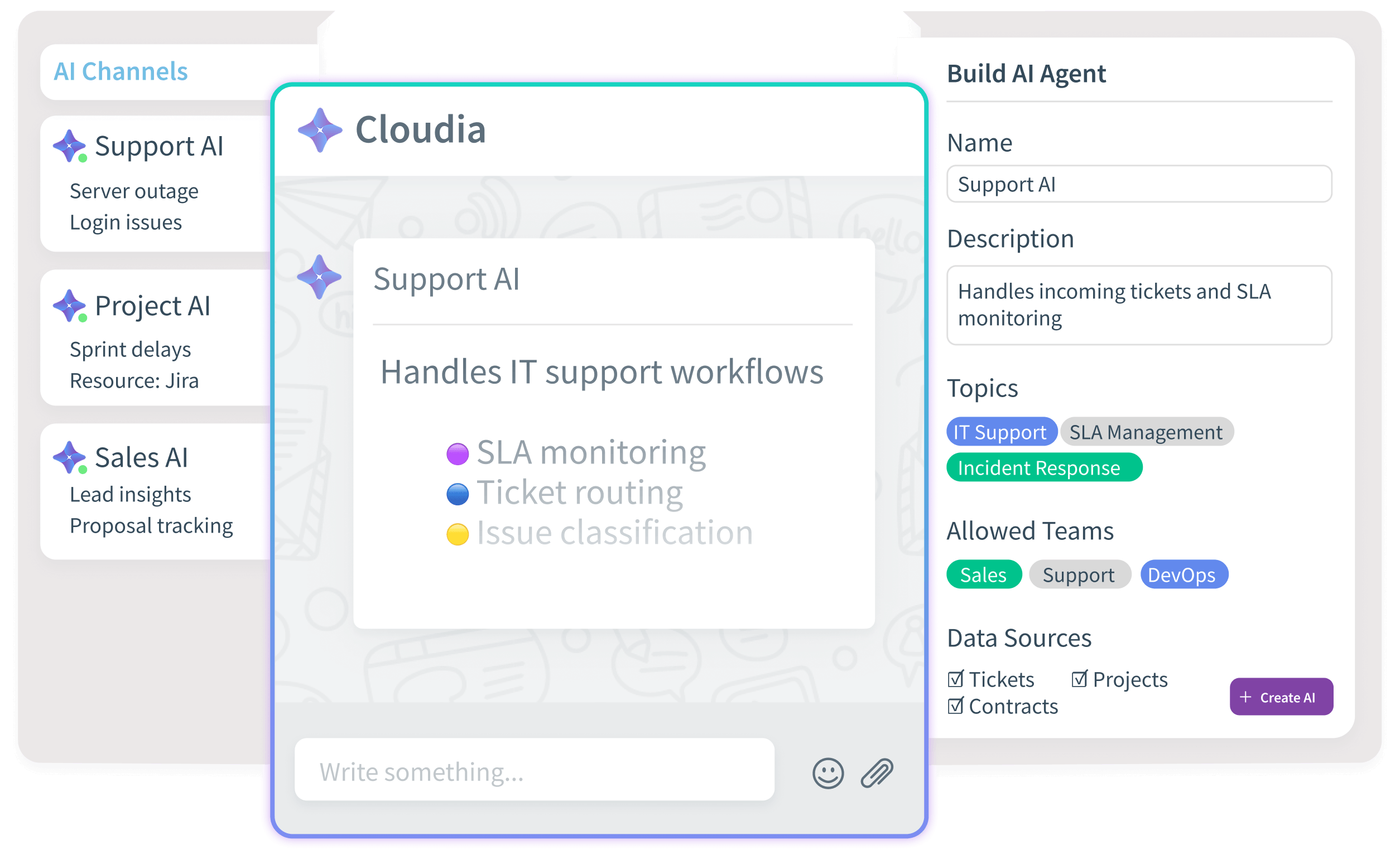
Every IT services company runs its operations differently. With CloudOffix AI Builder, design the agents your delivery process needs, with defined inputs, allowed actions and approvals.
- Uses: the records and permissions of the process
- Does: only the actions you allow
- People: approve, handle exceptions, own outcomes
From client request to delivered, billed work
An example of an IT services journey where people and agents share the same client, project and contract context.
- 01
Request is routed
An agent routes each ticket to the right team and agent and suggests a reply; the support engineer reviews and responds.
AI agentPeople - 02
Delivery risk surfaces
An agent flags overdue tasks, missed milestones, exceeded budgets and blocked approvals; the project manager decides the response.
AI agentPeople - 03
Plans adjust
When plans change, an agent updates deadlines and due dates within the rules you set; the project manager reviews the new schedule.
AI agentPeople - 04
Workload is balanced
An agent assigns tasks with due dates across the team; the team lead handles exceptions.
AI agentPeople - 05
Margins and SLAs are watched
Alerts fire when contracts put SLAs at risk or projects exceed planned cost; the account manager decides with the client.
CloudOffix appPeople - 06
Client review is prepared
An AI assistant prepares a client insight summary; the account manager leads the conversation.
AI assistantPeople
One delivery context for the whole service business
Your team and AI work from the same records, history, rules and permissions across:
- Client acquisition
- Service operations
- Financial visibility
- Project delivery
- Resource planning
- Customer support
Try it on your own business.
Try the ready-to-use apps free, or book a demo and walk through one delivery or support process with our team.