
Platform
Industries
Journeys
Resources
Partners
Company

Every request, in one queue.
CloudOffix Helpdesk turns emails, web forms, portal requests and live chats into tickets, routes them to the right team and keeps every reply on the customer record.
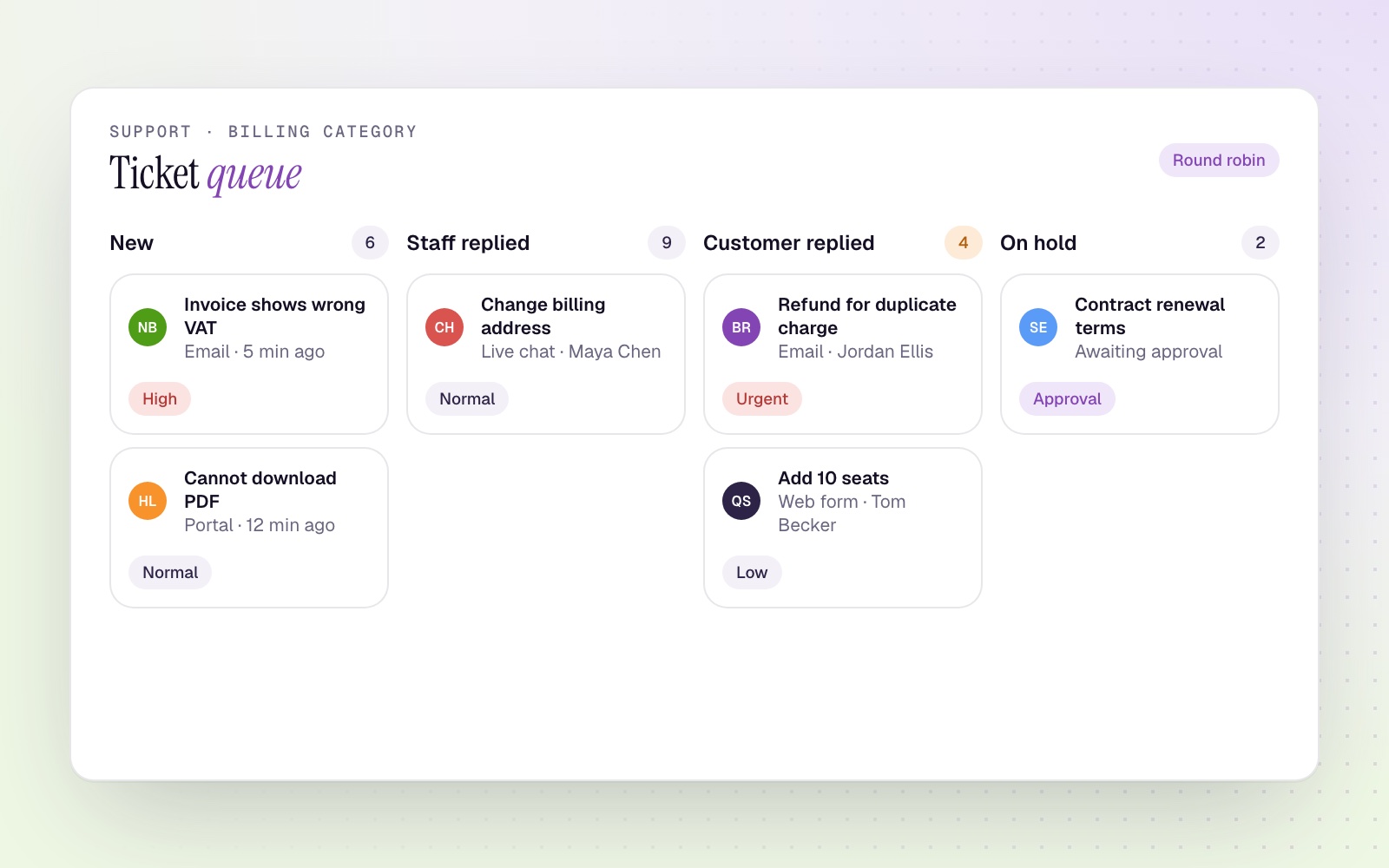
Tickets from every channel
Each category has its own email address; incoming mail becomes a ticket.
Web forms
A support form for visitors and logged-in customers.
Customer portal
Customers open and follow tickets in their portal.
Live chat
Website chats turn into tickets when they need follow-up.
The right ticket to the right person.
Categories and sub-categories
Each category has its own team, access rules, CC contacts and extra fields shown on the form.
Round-robin assignment
New tickets are assigned in turn to the category's team members, or picked up from the queue.
Priorities and tags
Normal, low, moderate, high and urgent, with tags for anything you need to filter by.
States you configure
Open, staff replied, on hold, customer replied, awaiting approval and closed, each with its own email template.
Built for the people answering
Merge and forward
Merge duplicates and forward tickets to other teams.
Category dashboards
Open, unassigned and needs-action counts per category.
State history
Every state change on a ticket, with its time.
Ticket management questions
Which channels create tickets?
Email, web forms, the customer portal and live chat. Phone calls can be answered by the AI Voice Agent, which opens tickets.
Can tickets be assigned automatically?
Yes. Round-robin assignment shares new tickets across the category's team.
Explore Helpdesk Cloud
Bring every request into one queue.
Book a demo to follow one ticket from the first email to closing.