
Platform
Industries
Journeys
Resources
Partners
Company

Menu
Resource Planning
Know who works on what, and when.
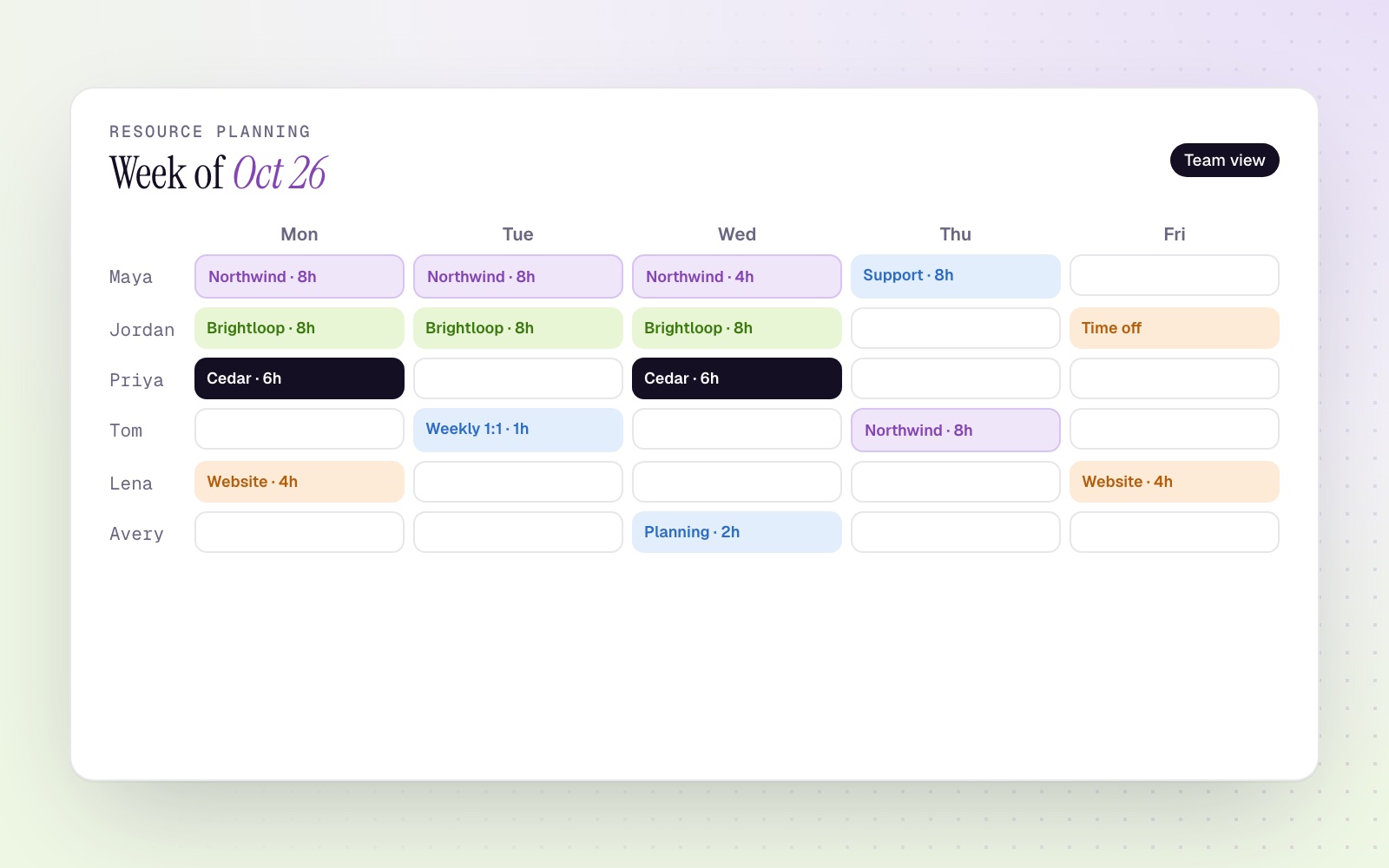
CloudOffix Resource Planning allocates people to projects and tasks, calculates hours from each person's working calendar and shows the whole team's plan in one view.
How it works
Plan people like you plan projects.
01
Allocate to project and task
Assign an employee to a project or task for a date range, by full days or by hours per day.
02
Repeat what repeats
Daily, weekly, monthly or yearly allocations, ending after a number of times or on a date.
03
Hours from real calendars
Total hours come from each person's working-hour calendar and your working days.
04
On everyone's calendar
Allocations can create calendar events automatically.
Visibility
Plans the right people can see
Planning view
Allocations colored by project across the team.
Allocation report
Hours by person, project and period.
Access by role
Employees see their own plan; department managers see their team.
Project Cloud
Explore Project Cloud
Plan your team with confidence.
Book a demo to see resource planning on your own projects.