
Platform
Industries
Solutions
Resources
Partners

From first call to signed contract, and the job opens itself.
CloudOffix Clients & Contracts is the recruitment agency CRM that takes an employer from first contact to a signed agency contract, then opens the position automatically.
Employer acquisition and contracts in one flow
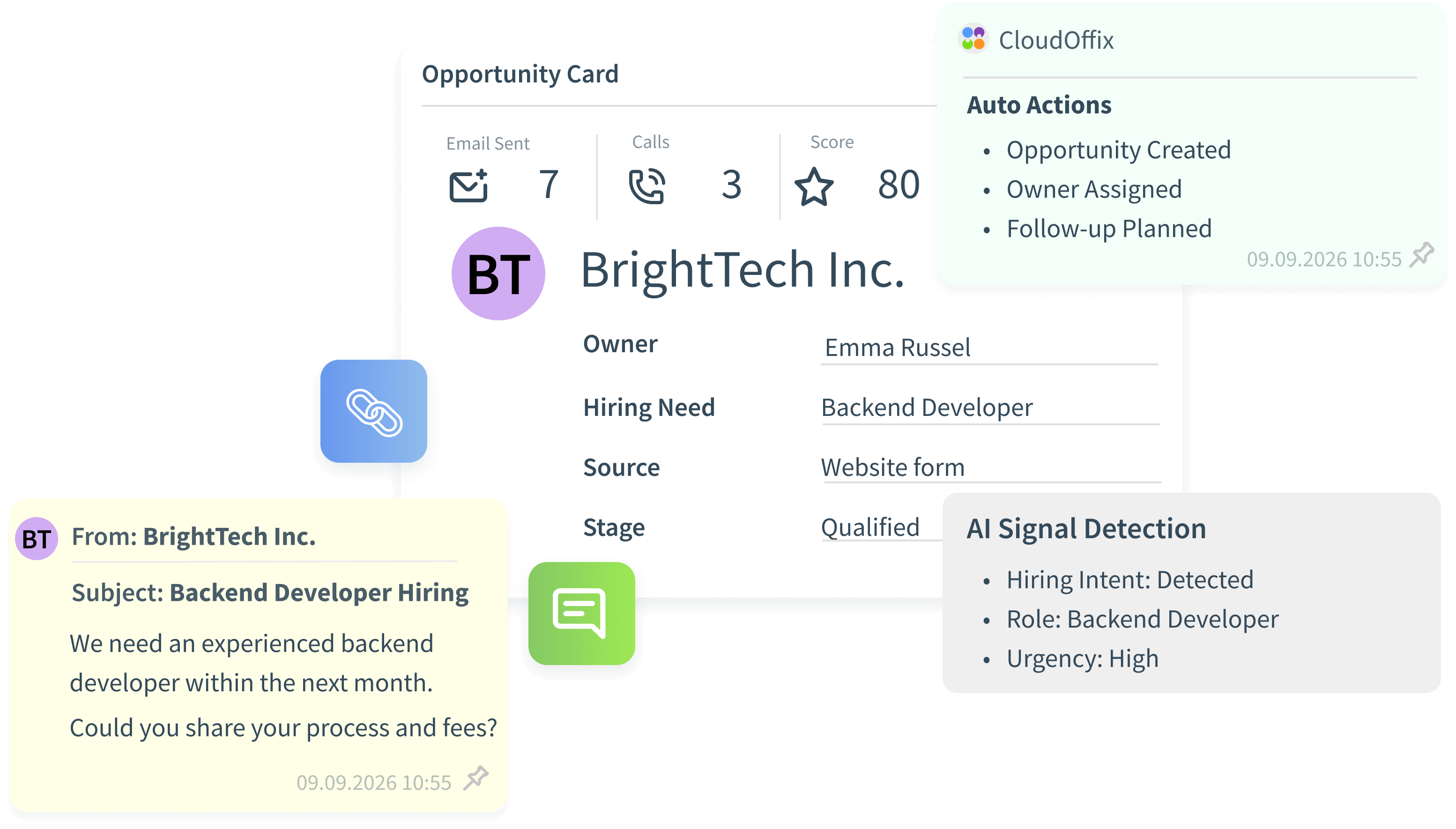
Employer acquisition in CRM
Every employer lead, contact, activity and opportunity lives in CRM, linked to the same company record your recruiters work on.
- Leads and opportunities per employer
- Contacts and stakeholders on the company record
- Activities, emails and follow-ups in one history
Agency contracts from templates
Start each agency contract from a template, then edit the body for the client. Fee terms and payment plans sit on the contract itself.
- Reusable contract templates
- Editable contract body per client
- Fee terms and payment plans on the contract
E-signature through the customer portal
The client reviews and signs the contract in the customer portal. When it is signed, the opportunity closes as Won and the position opens automatically.
- View and sign in the portal
- Opportunity closes as Won on signature
- The job opens without re-entering data
From opportunity to open position
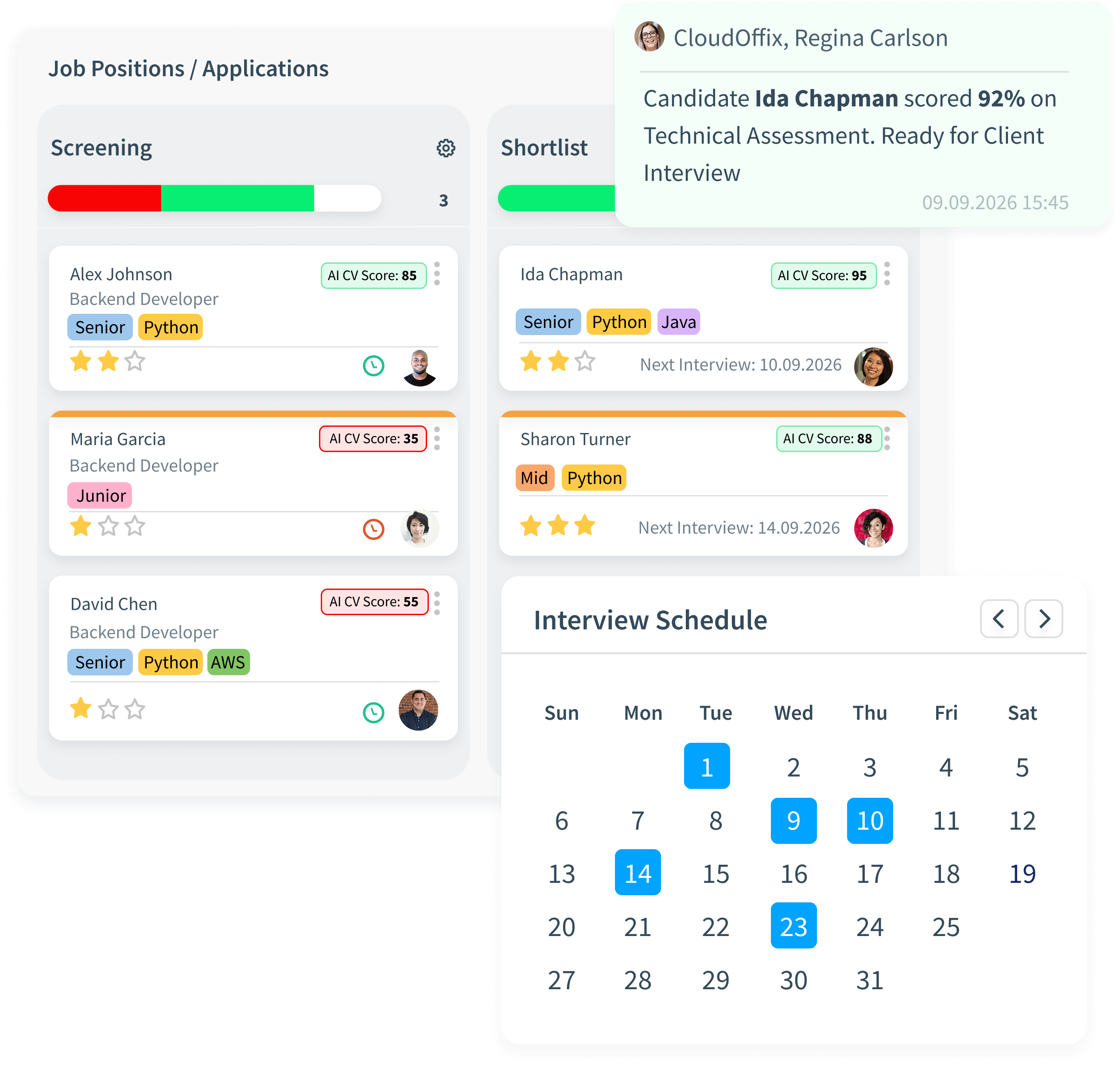
Qualify the employer
Capture the hiring need as an opportunity in CRM, with the client, contacts and requirements.
Prepare the contract
Pick a contract template, adjust the body, and set fee terms and the payment plan.
Client signs online
The client opens the contract in the customer portal and signs it electronically.
The search starts
The opportunity closes as Won and the position opens automatically, linked to the client and the contract.
Commercial terms that drive the work
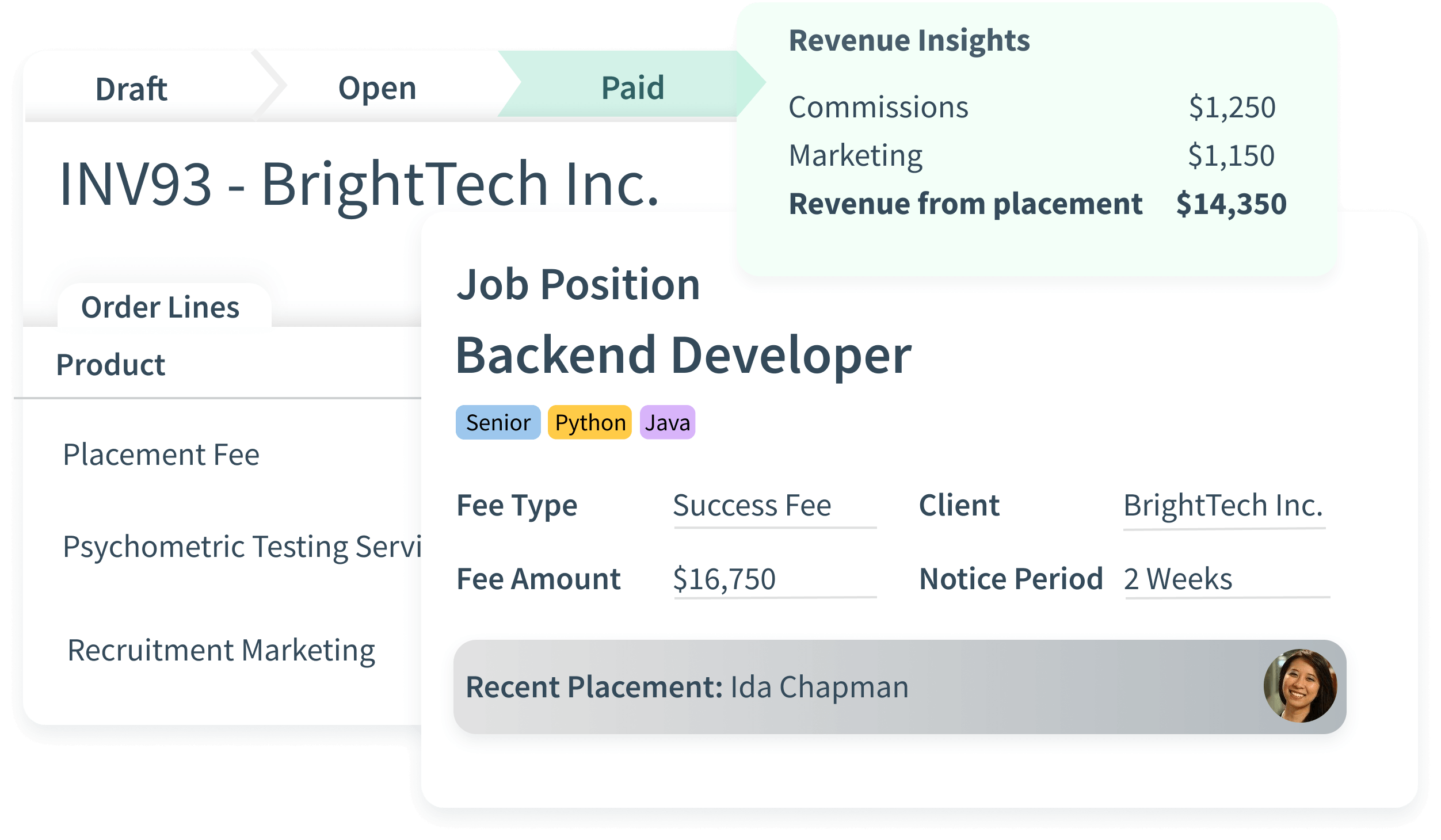
Fee terms
Fee terms are stored on the contract and later generate placement invoices.
Payment plans
Define how and when the client pays, right on the agreement.
Automatic job opening
Signature closes the opportunity and opens the job order for recruiters.
Clients and contracts questions
Can we edit a contract after choosing a template?
Yes. Every contract starts from a template and its body is editable for each client before it is sent.
How does the client sign the contract?
The client signs electronically in the customer portal, where contracts can be viewed and signed.
What happens when the contract is signed?
The opportunity closes as Won and the position opens automatically, linked to the client and the contract.
Where are fee terms stored?
On the contract. Placement invoices are generated from those fee terms, manually or automatically.
Explore the Recruitment Agency package
See a signed contract open a job.
Book a demo to watch an employer move from CRM opportunity to signed agency contract and an open position.