
Platform
Industries
Solutions
Resources
Partners

Meeting rooms booked against the membership.
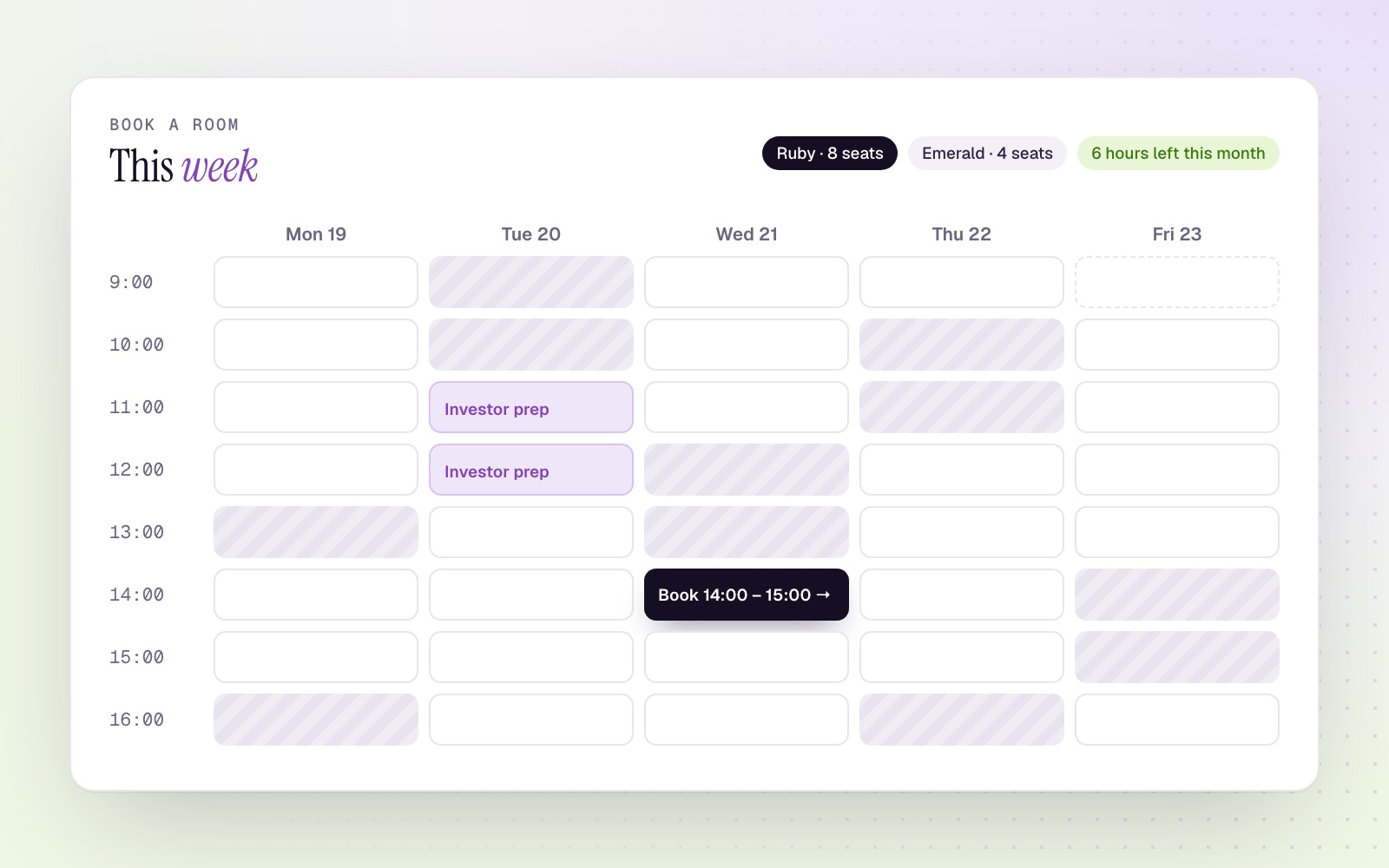
Members book meeting and conference rooms from the CloudOffix member portal. Every booking checks the member's benefit, the room's working hours and your booking rules.
A weekly grid of free rooms.
Members pick a room and a slot from a weekly grid, see what their membership includes and cancel or reschedule before the cut-off.
You can also share a public booking link for guests and partners.
- 01Weekly availability grid
- 02Booking against the room booking benefit
- 03Cancel or reschedule before the cut-off
- 04Public booking links
Rules the system enforces
Working hours
Bookings outside a room's working hours are rejected.
Day and slot limits
Caps on how far ahead and how long a member can book.
No past bookings
Bookings in the past are refused on the server, not only in the browser.
Approval
Booking requests go to approvers; approval creates the calendar event.
Rooms and equipment
Rooms and their equipment, with availability calendars.
Clean task lists
When a member cancels, the approvers' open tasks close automatically.
Explore Innovation Center Cloud
Let members book rooms themselves.
Book a demo to see a member book a room against their benefit in the portal.