
Platform
Industries
Journeys
Resources
Partners
Company

Simplify, amplify, analyze.
Create surveys for customers, prospects and employees, share them anywhere, measure NPS and act on the answers, all connected to your CRM.
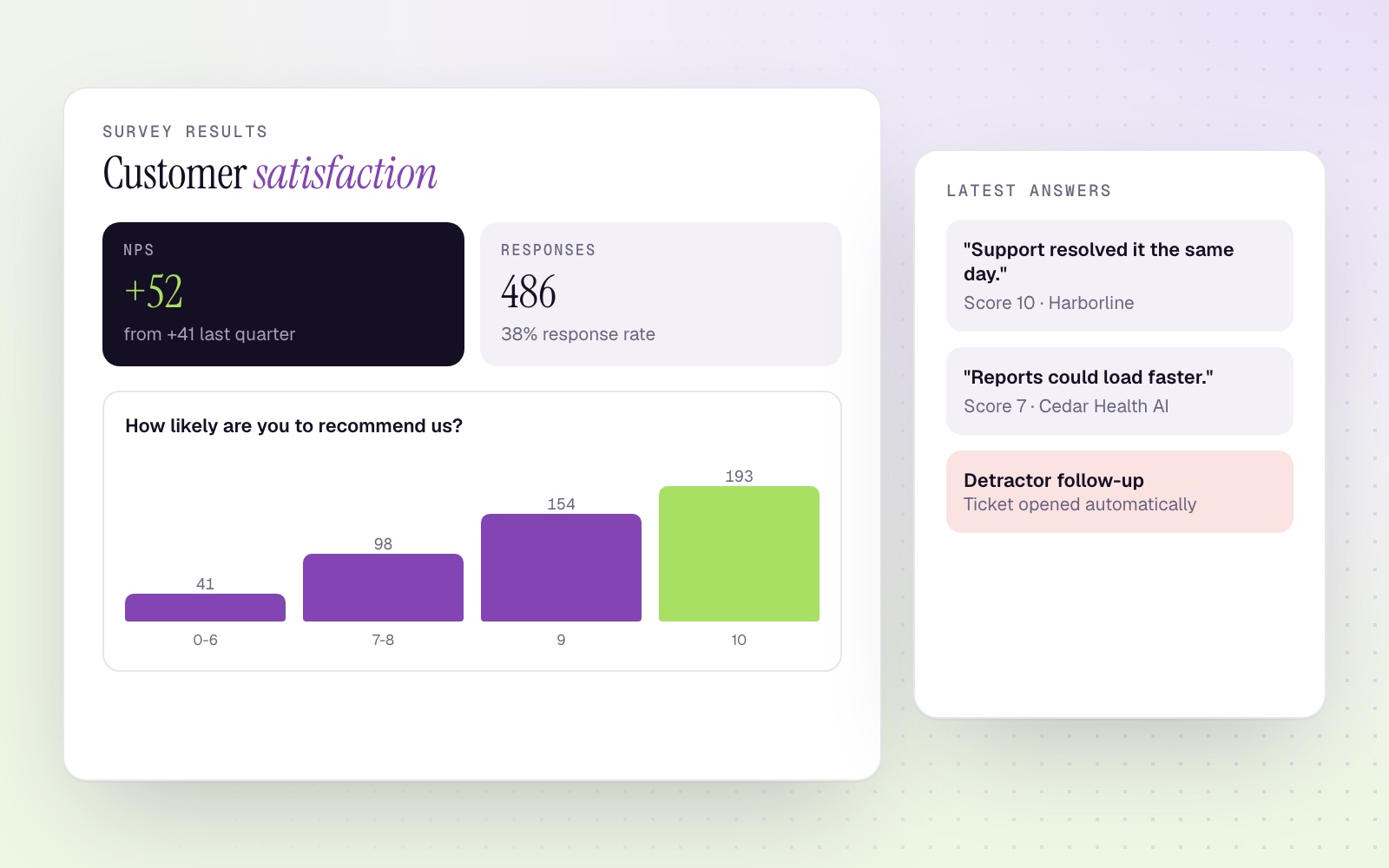
Authentic insight from the people who matter
Customer satisfaction surveys show how your company performs and where processes need fine-tuning.
Build custom surveys with different question types, add them to your site with the Website Builder, share them on social media or send them with Mass Mailing. Every answer enriches the contact record in your CRM.
Surveys that get answered and acted on
Higher response rates
Design and store engaging templates with simple layouts and short, clear questions, so respondents finish what they start.
Identify areas for improvement
Use feedback and market research to find weak spots. Marketing and support teams can follow up with solution-oriented emails based on earlier answers.
Make informed decisions
Apply survey insights to your sales strategy and tailor your plan to your customer niche.
Net Promoter Score
Sort customers into promoters, passives and detractors. Notify support automatically when a detractor appears, and ask promoters for a review.
Listen to your team, too
Checking in with employees is as important as keeping customers happy. Internal questionnaires surface tips and suggestions that improve how you operate.
Identify, analyze, refine
Analyze survey data in CRM Reports with concise, on-demand survey reports.
Identify
Run satisfaction surveys with customers and employees.
Analyze
Review results in reports and spot trends.
Refine
Make informed decisions and improve.
AI prepares the case. Support responds.
Answers land on the customer record, so the right team can act fast.
- Support is notified automatically when a detractor appears.
- A configured agent can prepare a case summary for the support team.
- The team decides the response, and managers decide which processes to improve.
Take a test drive
Tell us about your team and we'll get you started with CloudOffix Marketing Cloud.