Collaboration isn’t messaging.
It’s operational clarity.
From conversation to connection. Manage your entire collaboration layer with CloudOffix
Tüm Ekiplerle İşbirliği
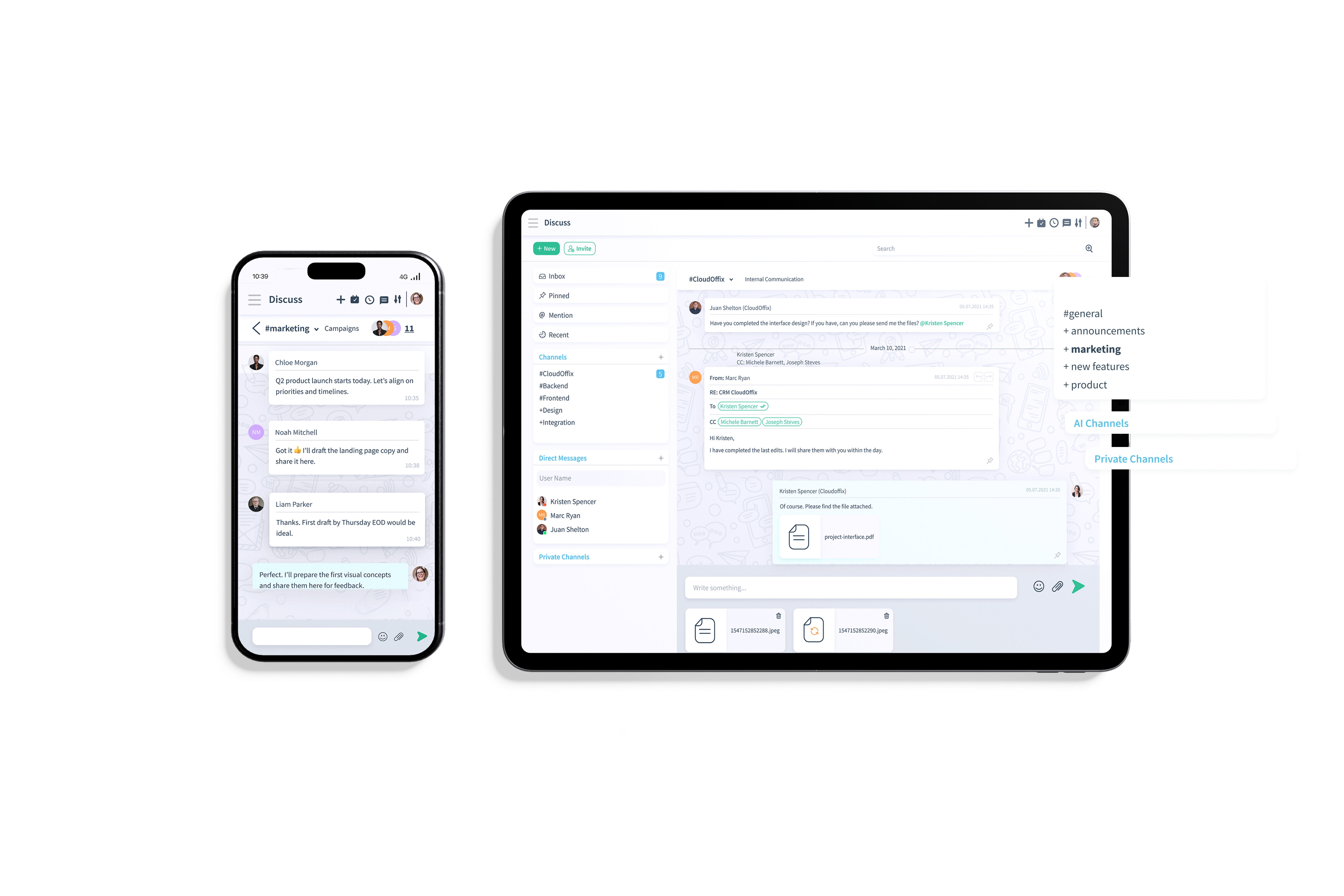
CloudOffix Discuss is more than team chat — it’s your real-time collaboration and AI-powered business command center.
Replace scattered tools and disconnected threads with a unified workspace that understands your data and turns conversations into structured, actionable outcomes.
Instead of losing context across apps, your team works in one environment where messages, decisions, and business records stay fully connected.
Chat
Automate routine tasks that take up valuable time

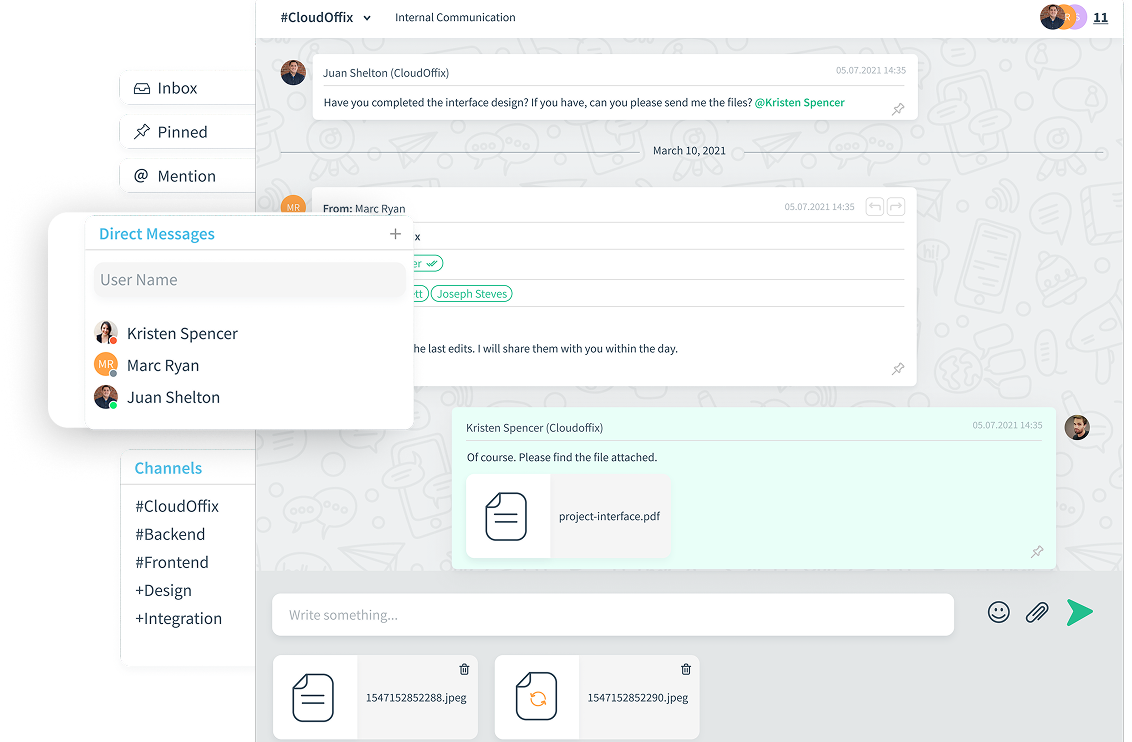
1:1 Chats
Start private, real-time conversations that stay connected to your business records and workflows.

Team Channels
Create team-based channels to collaborate around deals, projects, campaigns, or departments.

Voice & Video Calls
Launch instant audio or video meetings directly inside your workspace without switching tools.

File Sharing & Tagging
Share documents, tag teammates, and keep every file tied to the right conversation and record.

AI Assistant
Ask business questions in any language and receive instant, data-backed insights directly from your live system.

Asynchronous Collaboration
Working across time zones or can't meet live? Record your screen, share your message, and keep projects moving without waiting for everyone to be online.
AI That Works Like a Teammate
Create AI Assistants and chat with them directly inside Discuss app. Ask:

Which opportunities did we close last week?

Top 5 Sales Manager candidates by AI score?

What is the ROI of our latest campaign?

Which projects are behind schedule?


Meeting Flow
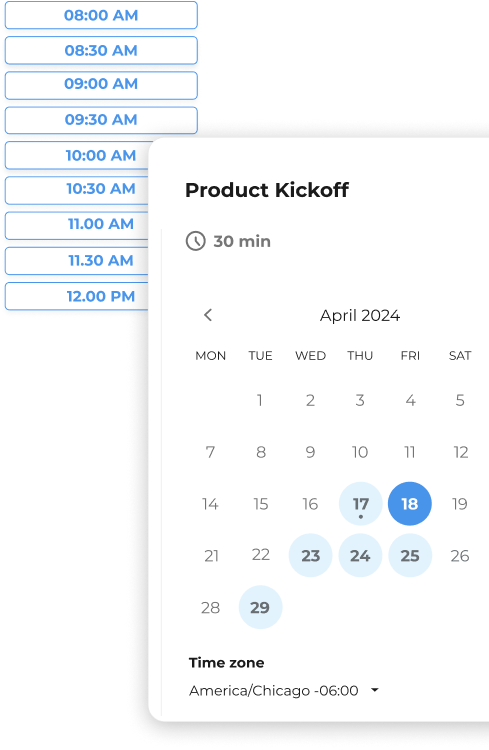
AI-powered meeting orchestration from booking to alignment.
1. Availability
Personal or team-based meeting types are configured based on need, with full-team availability shown when required and selection applied when one participant is sufficient. A dedicated booking link is generated and shared seamlessly.
2. Confirmed Slot
The selected time is automatically reserved in real time, preventing scheduling conflicts and double bookings. A calendar invitation is generated and automatically delivered to all participants, with confirmations reflected instantly across connected calendars.
3. Meeting
The session is conducted either in person or through CloudOffix Connect. When recording is enabled, the meeting is stored and automatically linked to the relevant business record inside CloudOffix — such as the associated opportunity, project or applicant
4. Live Capture
Conversations are transcribed in real time to preserve context and ensure nothing is missed. Simultaneous written translations are generated in multiple languages, allowing global teams to follow the discussion clearly.
5. AI Summary
A structured meeting recap is generated automatically, highlighting key decisions and action items. Discussions are transformed into clear, execution-ready insights.
6. Shared Alignment
The AI-generated summary is delivered to all participants immediately after the meeting. Visibility and accountability are maintained without manual follow-up emails.
360° Contact
The full story behind every relationship — automatically captured. Every person or company contacted through any CloudOffix application is automatically created as a structured contact record. Customers, vendors, employees, job applicants, and website visitors are all captured within the same system.
One Unified Relationship View
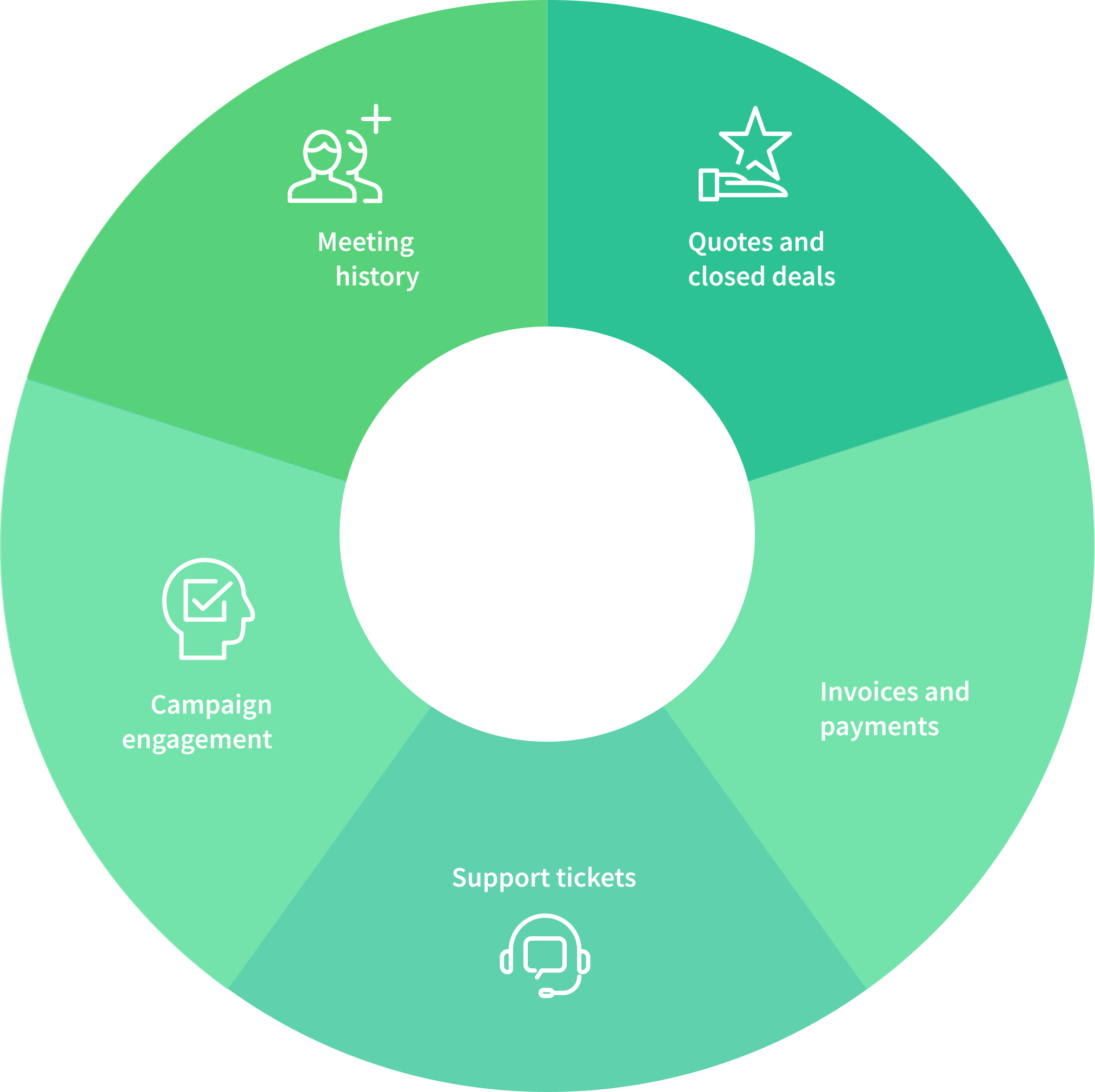
All interactions are consolidated into a single timeline.
Whether it evolves into a customer journey, employee journey, or vendor relationship, every touchpoint is preserved within the contact profile.
A complete 360° view is provided at a glance — not fragmented data, but the entire relationship history in one place.
Keep Knowledge in Motion
Capture, organize, and share information where work actually happens.
Ideas, decisions, meeting outcomes, and internal context shouldn't live in scattered tools or personal memory. With CloudOffix Notes, knowledge is structured, connected, and accessible across your organization.

Personal Notes
Thoughts, drafts, reminders, and meeting takeaways are captured in a private workspace and kept connected to relevant records when needed.

Team Collaboration
Notes can be shared across teams, colleagues can be tagged, and discussions can evolve around shared context — without switching tools.

Contextual Linking
Notes are attached directly to contacts, deals, projects, or candidates, ensuring that every piece of knowledge stays tied to the right business record.
Website Builder
Drag & Drop Editor
Design stunning, responsive websites without any coding knowledge. Use professional components to build your site and seamlessly integrate a Live Chat or an AI Agent to engage your visitors 24/7.
Dynamic Form Builder
Transform traffic into actionable data. Easily position forms for Lead Generation, Support Tickets, or Job Applications. Every submission flows directly into your CloudOffix ecosystem for instant management.
Custom Code Blocks
Enjoy total creative freedom by adding your own HTML and CSS blocks. Bridge the gap between no-code convenience and professional customization to make your website truly unique.

Track & Optimization

Visitor Tracking
Monitor and understand your customers' journeys in real-time.

Page Analytics
Analyze how your pages perform beyond simple clicks. Identify which content generates the most leads, support tickets, or job applications, allowing you to optimize your website for maximum business conversion.

SEO Optimization
Improve your organic visibility with built-in SEO tools. Define meta descriptions, keywords, and tags to ensure your pages rank higher and remain easily findable by your target audience.
Never Miss a Business Moment
Capture and follow every incoming call automatically.
Inbound calls shouldn't rely on memory or manual tracking. With CloudOffix Incoming Calls, every customer interaction is logged in real time and routed into your workflow — so no opportunity slips through the cracks.
Call Logging
Every inbound call is captured and recorded in CloudOffix — with caller details, timestamps, and ownership logged for a clear activity history.
Smart Follow-Up
If the responsible person is unavailable, a follow-up task can be created — keeping ownership clear and next actions visible so teams stay responsive.
Connected Context
Each call is linked directly to the contact's profile, so teams can quickly understand the full relationship history and respond with the right context.